How to Easily Make Eyes Pop in Photoshop
|

How to Easily Make Eyes Pop in Photoshop

Have you ever seen a photo that makes you instantly jealous of the model’s eyes? Well, believe it or not, most of this is due to post-processing using eye Photoshop – and it’s effortless to do yourself! If you’re wondering how to make eyes pop in photoshop eye, we’ll teach you how to do just…
How to Easily Delete a Lightroom Catalog
|

How to Easily Delete a Lightroom Catalog

Before we learn how to delete a Lightroom catalog, let’s address one crucial question. What is a catalog in Lightroom? A Lightroom catalog is the location responsible for housing your Lightroom photos. It also stores image previews and other essential information. Your Lightroom catalog is usually on your hard drive. But you can choose to…

Want to Know the Best DSLR Cameras for Beginners?
|

Want to Know the Best DSLR Cameras for Beginners?

From Canon to Nikon and everything in between, tons of DSLR cameras are excellent for beginners. Knowing which one to choose can be the most challenging part of starting a new photography hobby.  To make the process a little easier, we’ve gathered a list of the best DSLR cameras for beginners. We’ll briefly go over…

How Many Pictures Can a 256GB Memory Card Hold?
|

How Many Pictures Can a 256GB Memory Card Hold?

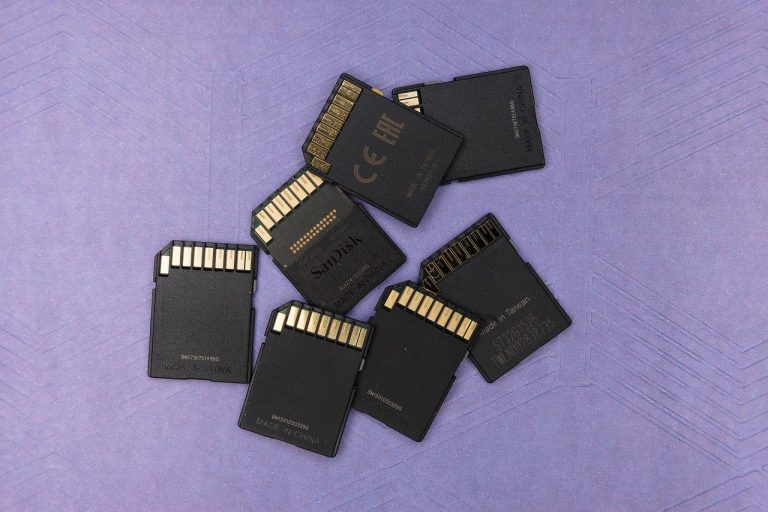
When you invest in a larger, more robust product with 256GB, you might wonder how many photos can the memory card hold? In this article, we examine how many photos the different card sizes can hold, the differences between JPEG and RAW files, the different types of memory cards, and the various situations in which…

Top Photo Stitching Software for Breathtaking Panoramas
|

Top Photo Stitching Software for Breathtaking Panoramas

Photo stitching to create panoramas is a great way to take a set of images, sometimes thousands, and create a new and exciting picture out of them. For instance, according to Business Insider, one of the world’s most large scale photos was created using panoramic photography, stitched together using billions of pixels. The photo is…

How to Use a Wacom Editing Tablet with Photoshop
|

How to Use a Wacom Editing Tablet with Photoshop

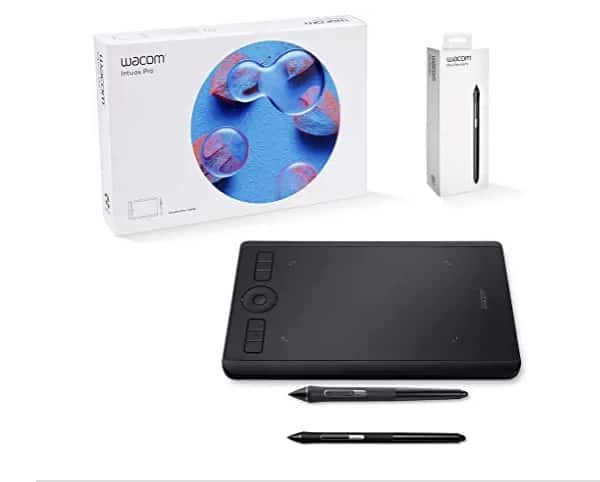
If you’re a photographer looking to take your editing capabilities to the next level, a Wacom tablet is a must-have investment. While you might think you’re perfectly fine editing in Photoshop without one. However, most professionals discover that once they’ve had the thrill of editing via tablet, they never go back. This tool allows you…

How to Use Curves in Photoshop
|

How to Use Curves in Photoshop

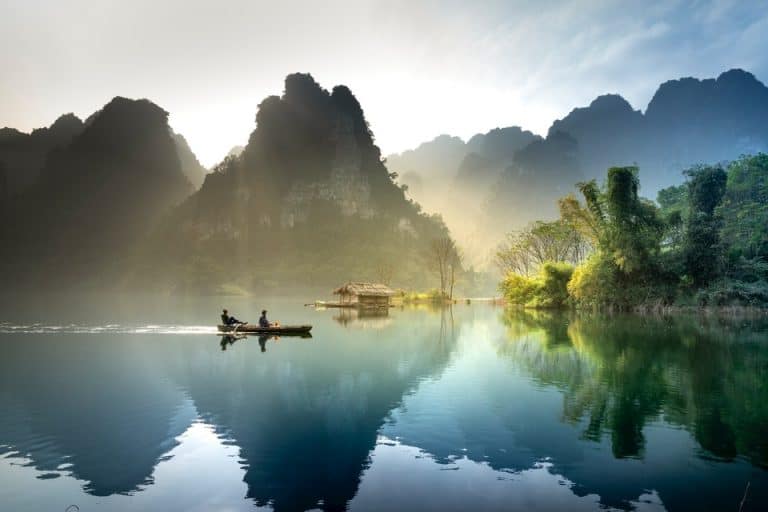
Even with the best camera and skillful exposure adjustments, your photograph can still turn out looking flat or dull. Sometimes the light isn’t quite right for that vibrant image you were imagining (like the one above).  However, there is a perfect tool to enhance your image during post-processing: curves.  How to Use Curves in Photoshop…

How Many Pictures Can 128GB Memory Card Hold?
|

How Many Pictures Can 128GB Memory Card Hold?

  Whether you just got your first memory card or just upgraded, you’re probably excited to take pictures. You may be wondering, how many pictures can 128GB hold? The answer isn’t as easy as it seems. Keep reading to learn what goes into photo storage and how to make the most of the storage space….

How Long Do Micro SD Cards Last?
|

How Long Do Micro SD Cards Last?

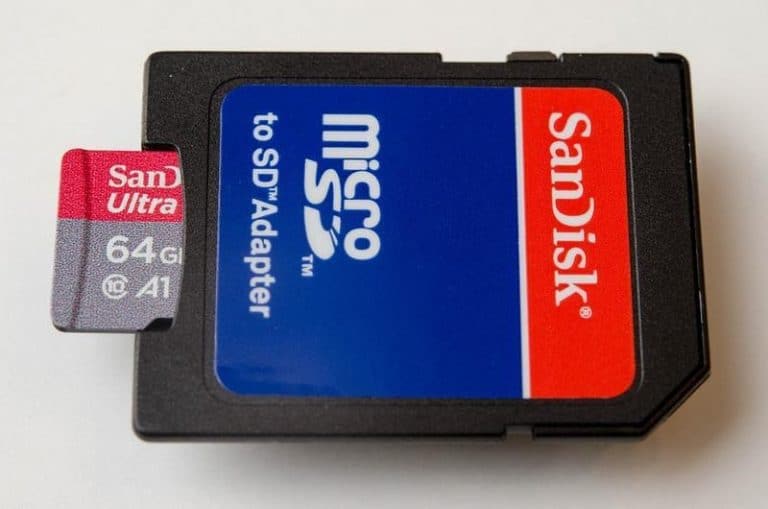
SD cards are an integral component of digital photography, but it’s difficult to know when it’s time to replace one before you’ve already lost important files. We’re sharing what the experts have to say about how long your micro SD card should last, which brands are reliable, and what the best practices for memory card…

How to Add Creative Textures in Photoshop
|

How to Add Creative Textures in Photoshop

Adding textures to your photographs during edits is one of the most creative techniques you can use to add an extra dimension to your photos.  Textural overlaying is a fun and easy process that lets you have the creative freedom to improve your photo edits. But when done incorrectly, you can end up with undesirable…

Understand Photo Editing: The Dodge and Burn Technique
|

Understand Photo Editing: The Dodge and Burn Technique

It can be frustrating to take a great photo, get your subject and composition just right, only to discover issues with the exposure. However, just because you have exposure issues doesn’t mean that all is lost. A simple technique known as dodge and burn can help you fix exposure issues, both over- and underexposure, and…

How Many Pictures Can 64gb Memory Card Hold?
|

How Many Pictures Can 64gb Memory Card Hold?

The answer is “that depends.” Pictures do not have uniform file sizes. Factors of the raw file, including the resolution you take the photo at, can significantly affect file size and, therefore, how many pictures you can fit on a 64gb SD card. We’ll get to some estimates in a little bit, but first, here…

How to Edit Amazing Videos in Lightroom
|

How to Edit Amazing Videos in Lightroom

When it comes to editing, Lightroom is a popular creative platform from Adobe. We know it’s possible to tweak and touch up photos, but can we edit video in Lightroom? Not only is it possible, but we can also walk you through how to edit video in Lightroom! Importing Video to Lightroom Start by importing…

How to Create Actions in Photoshop to Make Your Edits Pop
|

How to Create Actions in Photoshop to Make Your Edits Pop

Photoshop Actions are a convenient feature. An “action” is a series of tasks you can save and apply to any file you want to edit. You can use this feature to automate some repetitive workflows and get more consistent results when editing images in batches. Photoshop comes with some predefined actions, but you can create…

How to See Before and After in Lightroom
|

How to See Before and After in Lightroom

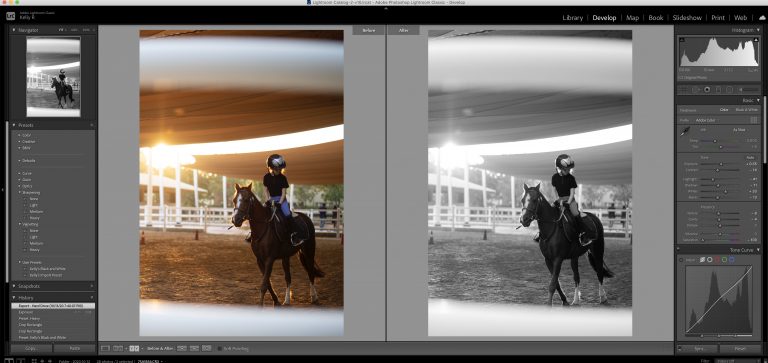
Lightroom is an excellent application for editing your photos. But like many editing apps, there’s a bit of a learning curve. We’ve come across in the community how to see before and after in Lightroom shortcuts. There are multiple ways you can view the before and after of your photos, which is extremely helpful during…