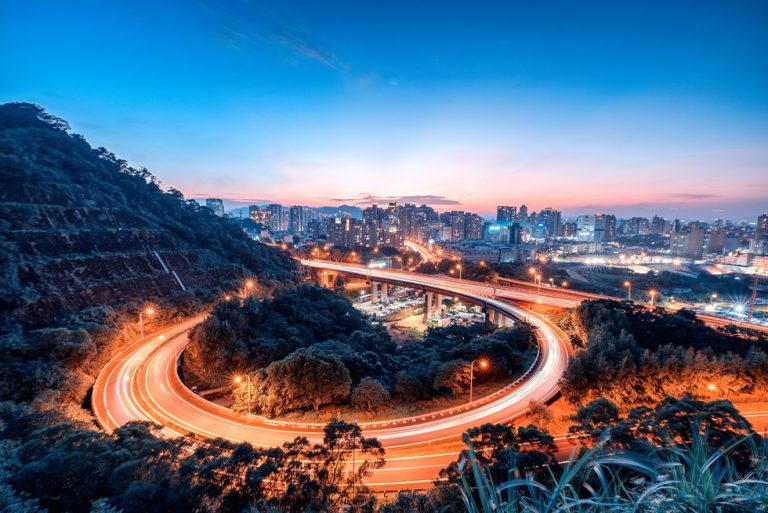
The Best Time-Lapse Camera on the Market
|

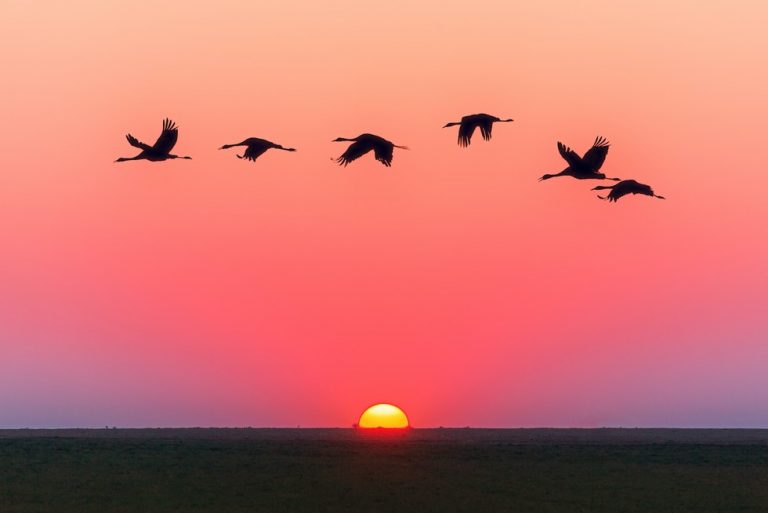
The Best Time-Lapse Camera on the Market

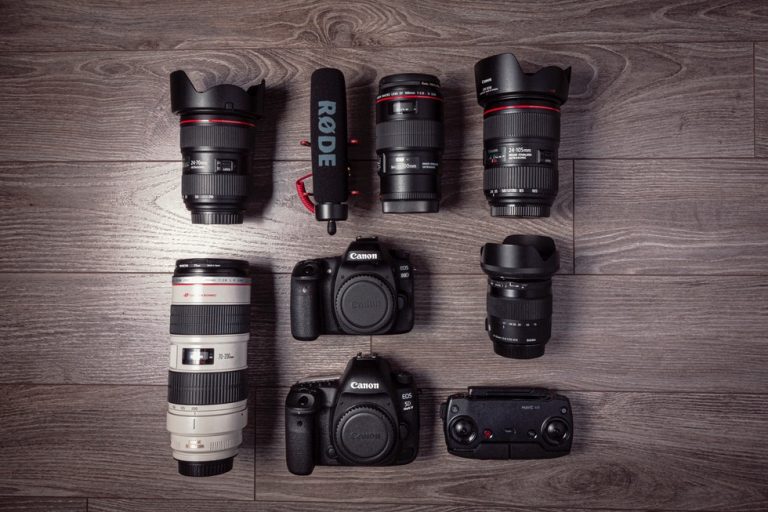
Time lapse photography is a technique that captures images at specific intervals to create a video that shows change over the course of minutes, hours, or days. You can use this technique to show movement or capture the change of weather and light over a landscape. Mastering this technique is easy if you have the…
How To Zoom In Lightroom
|

How To Zoom In Lightroom

The zoom function is one of the most critical parts of using Lightroom (or, for that matter, any other image editor). A professional editing session may involve using the Lightroom zoom feature hundreds of times to make sure every aspect of the photo is crisp and sharp. Here’s what you need to know about how…

Different Options for How To Whiten Teeth In Lightroom
|

Different Options for How To Whiten Teeth In Lightroom

Do you need to learn how to whiten teeth with Lightroom? This is a common need for photo editing, and fortunately, it’s an easy process. Here are the two best methods for learning how to whiten teeth with Lightroom and some additional information on saving presets for later use. Option 1: Use A Preset To…

Simple Methods for How to Straighten a Photo in Photoshop
|

Simple Methods for How to Straighten a Photo in Photoshop

You’ve done it. You had the perfect shot, and the more you look at it, the more it seems a little off. Or maybe you opened the photo and knew right away that the centering was off. Luckily, Adobe Photoshop offers you a way to fix small mistakes and reclaim your favorite pictures. There are…

How To Crop In Lightroom
|

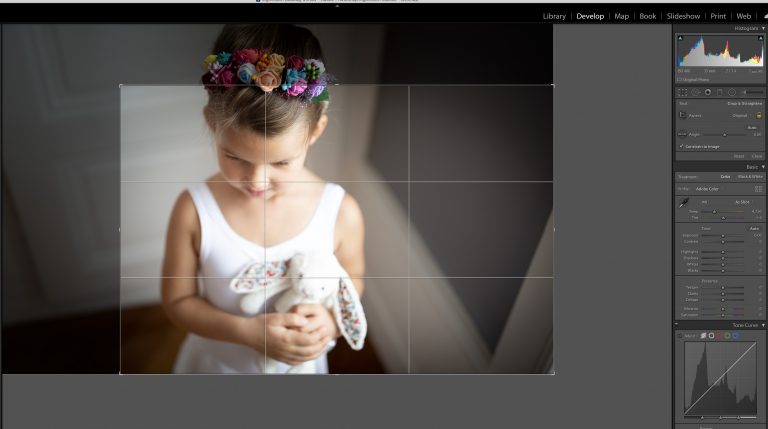
How To Crop In Lightroom

Why You Should Crop Photos Sometimes, photos aren’t quite right exactly as taken, but you don’t necessarily need to retake the whole picture. At times like this, knowing how to crop in Lightroom can help turn a mediocre image into a great one. Note that some control options may vary in Lightroom Classic, so be…

How To Enlarge An Image In Photoshop the Easy Way
|

How To Enlarge An Image In Photoshop the Easy Way

Changing the size of an image in Adobe Photoshop is simple, but you need to take additional steps to preserve the image without losing quality when you make it larger or smaller.  What is Resolution, and Why Does It Matter? One of the most misunderstood concepts among designers and photographers is resolution. Before we talk…

How to Add Vignette in Photoshop Made Easy
|

How to Add Vignette in Photoshop Made Easy

Even if you’re not familiar with the term, you’ve likely seen vignettes in many photos. They’re an effect that darkens the edges of the photo. These shadows help naturally draw the viewer’s eyes towards the center, emphasizing the subject. In the early days of photography, photographers usually tried their best to avoid the vignette effect….

How to Add a Watermark in Lightroom
|

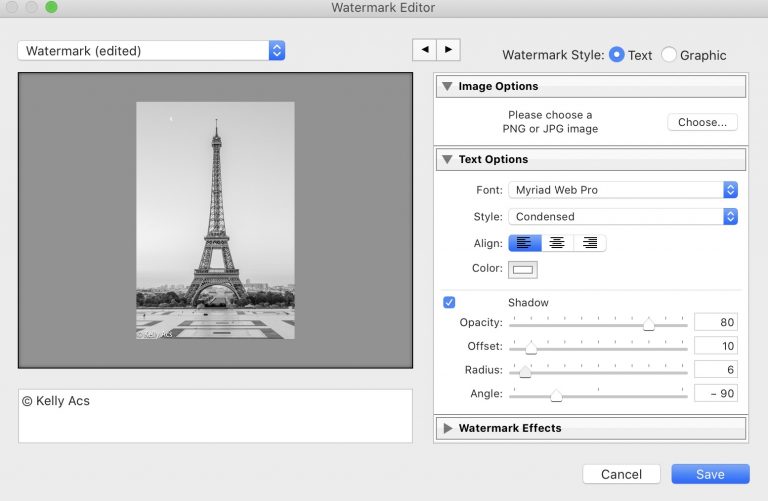
How to Add a Watermark in Lightroom

Displaying your photographs to an audience around the world is easier than ever before. Unfortunately, it’s also easy for others to take your photos and claim them as your own. A watermark helps you claim rightful ownership over your work. If you want to create and add a watermark to your photos, Lightroom is an…

Easy Ways for How to Make a Brush in Photoshop
|

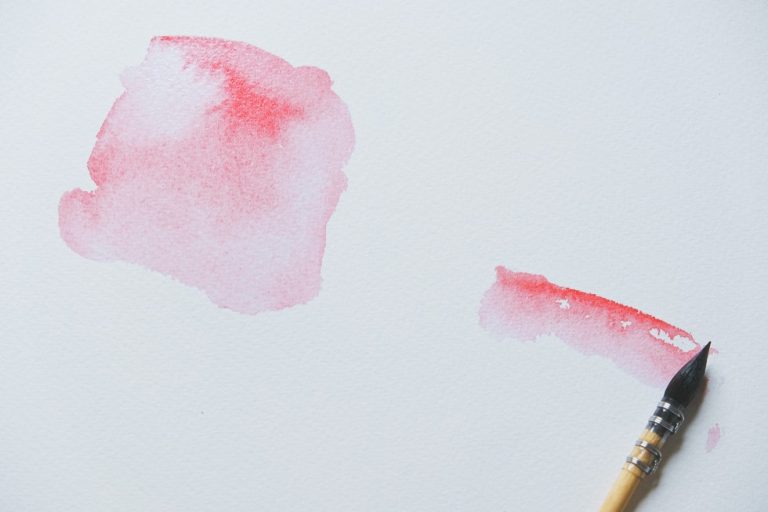
Easy Ways for How to Make a Brush in Photoshop

When you know how to make a brush using Photoshop, you can create a custom brush out of any graphic or logo of your choice. A custom Photoshop brush is also a great way to make your editing more streamlined, and brush presets exist that many users find very useful. Photo by Tranmautritam Licensed Under…

How to Blur Background in Lightroom
|

How to Blur Background in Lightroom

Have you ever taken a photo of a subject that ends up overshadowed by a noisy background? It’s frustrating and diminishes the feel of the entire image. If only you could soften or blur the background to make your subject stand out.  What if we told you that you could fix those photos? You just…

Our Comprehensive Review of the Best Low Light Camera
|

Our Comprehensive Review of the Best Low Light Camera

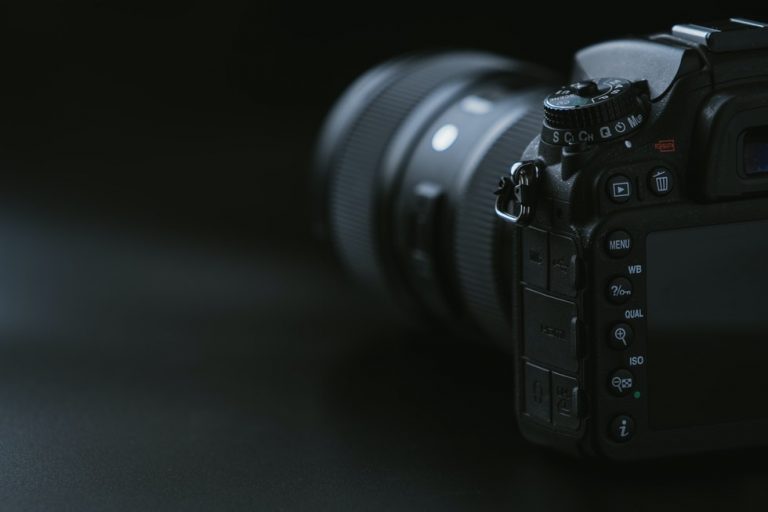
Photographers generally use low light cameras in photography settings that do not have a lot of natural light. These cameras allow maximum light through their high sensitivity technology to provide bright, clear, and professional photos. We’ve designed our guide to help you find the best low light camera for your ideal shooting situations and give…

Steps for How to Sharpen an Image in Photoshop
|

Steps for How to Sharpen an Image in Photoshop

Knowing how to sharpen an image in photoshop is a valuable skill that can save you time and help ensure your images display strong, clean lines without looking overdone. When it comes to sharpening images, image quality changes as you apply different filter and tools, and Adobe Photoshop makes it easy to create changes to…

Easy Steps for How to Change the Color of Something in Photoshop
|

Easy Steps for How to Change the Color of Something in Photoshop

  Knowing how to change the color of something in photoshop can help you add critical visual interest to your images while also altering the hue saturation for a better result. Using one tool or another, you can modify colors, enhance blending, and work with unique color schemes. All of these methods allow you to use as many…

Our Complete Guide on How to Flip an Image in Photoshop
|

Our Complete Guide on How to Flip an Image in Photoshop

Photoshop has numerous options available to let you adjust images. One of those features is image flipping, which can allow you to flip an entire image, create mirror effects, or flip a single part of an image to suit your needs. By doing so, you can help better integrate an element into a larger image…

Nikon vs Canon: The Battle of Camera Manufacturers
|

Nikon vs Canon: The Battle of Camera Manufacturers

You will find rivalries in every industry. In the world of smartphones, it is Android vs iOS. For computers, it is Apple vs Microsoft.  And when it comes to cameras, it is Nikon against Canon. Many photographers, from professionals to beginners, wonder which brand is right for them. The question seems simple on the surface,…

Learn How to Use Quick Selection Tool in Photoshop
|

Learn How to Use Quick Selection Tool in Photoshop

If you don’t like the current background of a photo, changing it is the obvious answer. If only it were that easy, right. But what if it is? The Photoshop Quick Selection tool can detect a subject’s edges in an image. This allows you to select the background so you can remove it quickly.  In…