
7 Easy Steps for Using the Displacement Map in Photoshop
|

7 Easy Steps for Using the Displacement Map in Photoshop

Adding text over an image is a convenient Photoshop feature. It’s an original way to make sure you’re creating a banner for your website or adding a message to your latest ad campaign in Photoshop. Displacement maps and filters are useful tools for incorporating texts, logos, and other elements into your images. Here is what…
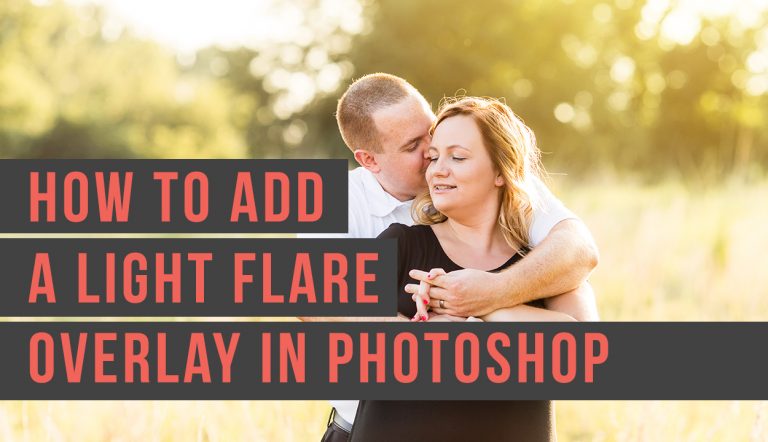
How to Add a Photoshop Lens Flare Overlay… the Easy Way!
|

How to Add a Photoshop Lens Flare Overlay… the Easy Way!

Are you looking to accentuate beautiful lighting in your images? With this tutorial, you will know how to add a light flare overlay in Photoshop! What is Lens Flare? Lens flare happens when a bright directional light hits the camera directly or by reflection. The light scatters inside the lens, creating visible marks like-colored circles,…

How to Use the Warp Tool in Photoshop
|

How to Use the Warp Tool in Photoshop

The warp tool in photoshop is a quick and easy way to make some small adjustments to your image using a simple click and drag method and a few control points. Adobe Photoshop is a powerful piece of software that allows you to transform an image for any use case, including adding rights reserved symbols…

What Lens Should You Buy Next?  Building A Lens Kit
|

What Lens Should You Buy Next? Building A Lens Kit

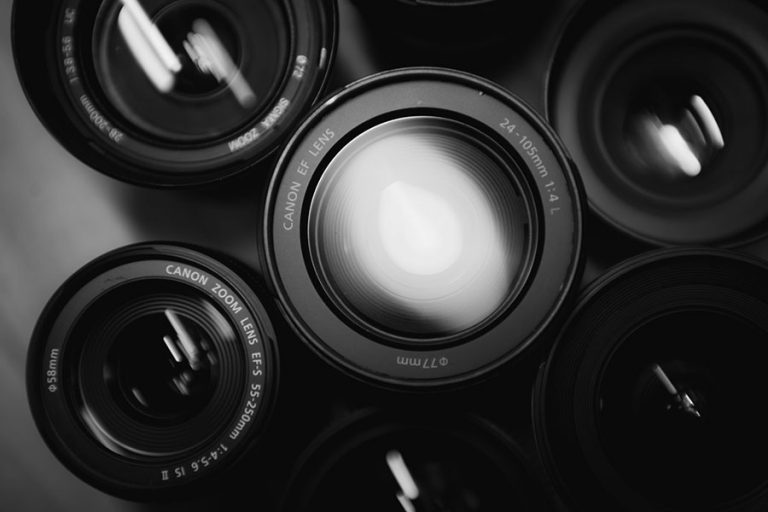
What lens should you buy next? It all depends on your needs, budget, and style! Read any photography forum and you’ll find the same questions get brought up over and over again.  One of those is “what lens should you buy next?”  Lenses are expensive.  No one wants to make a bad investment into a…

What is the Difference Between Capture One Vs Lightroom?
|

What is the Difference Between Capture One Vs Lightroom?

Adobe Lightroom and Capture One are two popular software options for professional photographers. These editing programs are must-have tools to create quality photographs, and investing in one of these software solutions will help you take your photography to the next level. You might be wondering whether you should invest in Capture One or Lightroom. We…

How to Easily Use the Photoshop Patch Tool with Success
|

How to Easily Use the Photoshop Patch Tool with Success

If you’ve ever dealt with a damaged photo before, chances are that you have a little bit of experience with the Photoshop Patch Tool. As a “healing brush tool,” the Patch Tool can help you repair the damage, deal with blemishes, and let you get a little creative with retouching. The Patch Tool is especially…

Lens Calibration 101: The Why and How of tweaking your lens
|

Lens Calibration 101: The Why and How of tweaking your lens

Check out our Lens Calibration 101 guide on why and how to adjust your lenses! There are a lot of different reasons your images might not be as sharp as you want. Dirty equipment, the wrong camera settings or even your shooting stance can affect the sharpness of your images. But if you find that…

How to Get Perfect Color with White Balance in Photoshop
|

How to Get Perfect Color with White Balance in Photoshop

Creating the perfect level of white balance and colors with your photos is easy to accomplish with Photoshop by using some of the vital tools available and following our recommended steps. It’s not always possible to get ideal lighting for every photo, and becoming proficient at colors correction can massively improve your photography and help…

Lightroom vs Photoshop – Which Do You Need?
|

Lightroom vs Photoshop – Which Do You Need?

If you are serious about digital photography, at some point you will find yourself needing to edit your images. There are many photo editing software out on the market, but the two most popular are Photoshop and Lightroom. They’re both made by Adobe and have a lot of similarities, so you may find yourself wondering…

The Ultimate Photography Guide to Understanding White Balance!
|

The Ultimate Photography Guide to Understanding White Balance!

If you find understanding white balance to be a mysterious concept, you are not alone. Many do. The numbers and settings used can be a little confusing if you aren’t familiar with them. In addition, this is not something we notice in our day-to-day lives. It is something that our digital camera picks up that…

Understanding Lens Basics
|

Understanding Lens Basics

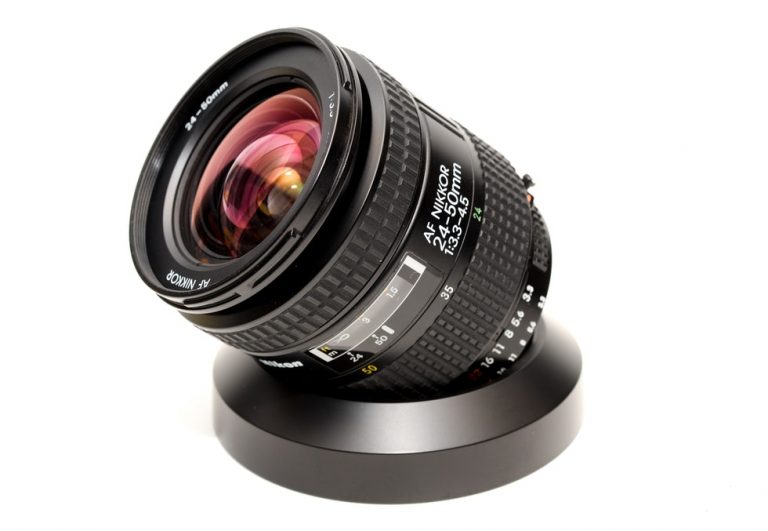
Get to know your camera’s BFF from inside to out with our guide to lens basics! If you’re new to photography or just have a new lens, you might not know what all the bits and pieces of your lens are there for. We’ll help you identify what this switch does, decode those lens numbers…

Photography Editing Trends in 2020 and beyond
|

Photography Editing Trends in 2020 and beyond

Photography Editing Trends: What’s in and what’s out as we head into 2020 We just started a new decade. 2020. I remember thinking about the year 2020 back when I was a kid and it seemed so far away. Like flying cars run by garbage kind of far away. And yet here we are. So…

Sigma 35mm f/1.4 Art lens review – Is it worth the hype?
|

Sigma 35mm f/1.4 Art lens review – Is it worth the hype?

Photographers everywhere rave about their Sigma Art lenses.  But is the Sigma 35mm f/1.4 Art lens worth the hype? When I needed a fast 35mm lens for my kit, I settled on the Sigma 35mm f/1.4 Art lens. It wasn’t without reservations. I’d read reviews but my experience with Sigma lenses was less than satisfactory. After…

Understanding Lens Filters
|

Understanding Lens Filters

What lens filters do you need and why?  We’ll give you the basics! Have you ever heard a photographer talk about using a lens filter but didn’t really understand what that meant?  You’re not alone!  Lens filters are simple in design but can have many different functions.  They are also incredibly useful for getting your…

Finding and Relinking Missing Lightroom Photos: Crisis Averted
|

Finding and Relinking Missing Lightroom Photos: Crisis Averted

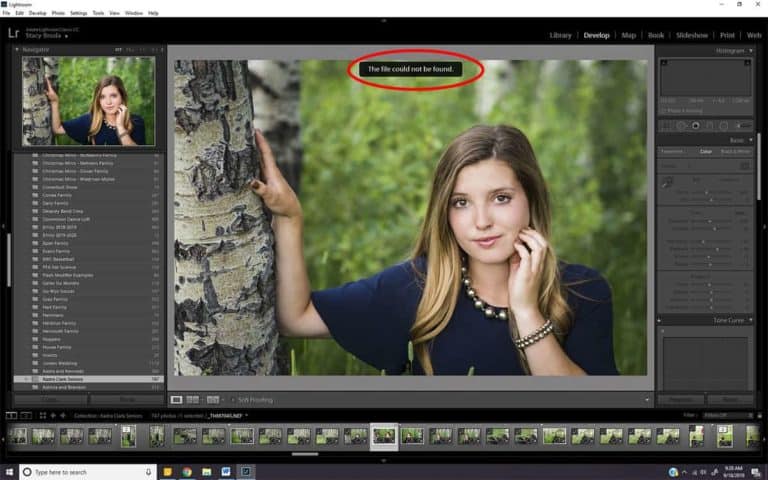
Don’t panic.  Your images probably aren’t really gone, they are just missing from Lightroom. It’s happened to just about all of us at one point.  We open Lightroom, start scrolling through our images and we get it.  The dreaded punctuation of despair.  That little symbol in the upper right-hand corner of our images (exclamation mark)…