How to use Smart Objects to Edit Your Images in Photoshopclock icon10m

How to use Smart Objects to Edit Your Images in Photoshop

How to automatically send client feedback questionnaire in Taveclock icon7m

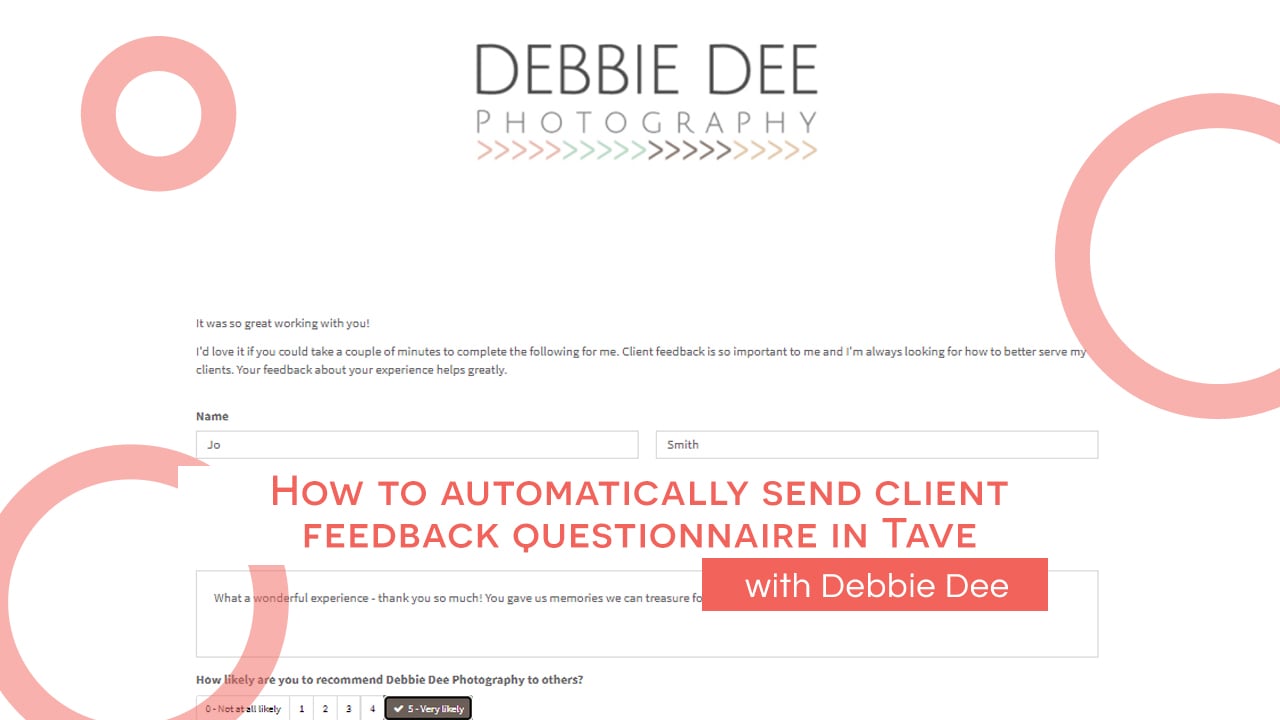
How to automatically send client feedback questionnaire in Tave

Removing Tricky objects from the Background of Images in Photoshopclock icon12m

Removing Tricky objects from the Background of Images in Photoshop

Using the Perspective Warp Tool in Photoshopclock icon6m

Using the Perspective Warp Tool in Photoshop

How to Change the Color of a Backdrop in Photoshopclock icon3m

How to Change the Color of a Backdrop in Photoshop

How to Move Lightroom from Old Computer to New Computerclock icon27m

How to Move Lightroom from Old Computer to New Computer

Making Your Images Pop in Lightroom with Coty Doddclock icon25m

Making Your Images Pop in Lightroom with Coty Dodd

Batch Editing in Lightroom & Using the Transform Toolclock icon6m

Batch Editing in Lightroom & Using the Transform Tool

Preparing and Extending an Image for a Canvas Sizeclock icon5m

Preparing and Extending an Image for a Canvas Size

Editing Quick Tip: Content Aware Crop Hack in PS! with Kate Guertinclock icon3m

Editing Quick Tip: Content Aware Crop Hack in PS! with Kate Guertin

Real Talk: What's in My Camera Bag - Wedding Edition with Ashley Bringenbergclock icon10m

Real Talk: What’s in My Camera Bag – Wedding Edition with Ashley Bringenberg

Real Talk: What's In My Camera Bag with Melissa Franklinclock icon21m

Real Talk: What’s In My Camera Bag with Melissa Franklin

Real Talk: What's In My Camera Bagclock icon10m

Real Talk: What’s In My Camera Bag

Editing black and white images with Wendy Caswellclock icon5m

Editing black and white images with Wendy Caswell

Birds and Wildlife Photography Hike Prep - Bag Pack with Michelle Grahamclock icon14m

Birds and Wildlife Photography Hike Prep – Bag Pack with Michelle Graham

House of Flynn Evermore Bag Review with Kelly Dammsclock icon3m

House of Flynn Evermore Bag Review with Kelly Damms