Array
(
[type] => video
[version] => 1.0
[provider_name] => Vimeo
[provider_url] => https://vimeo.com/
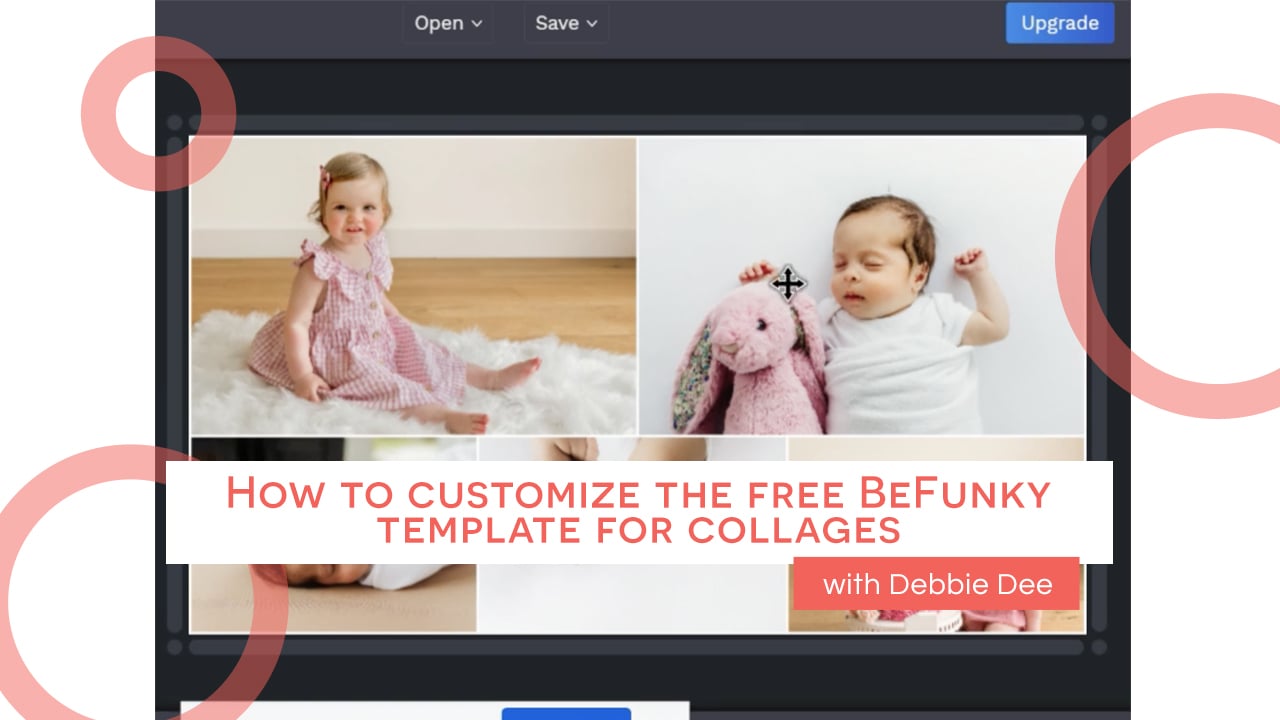
[title] => How to customize the free BeFunky template for collages
[author_name] => Cole's Classroom
[author_url] => https://vimeo.com/user13817307
[is_plus] => 0
[account_type] => pro
[html] =>
[width] => 1280
[height] => 720
[duration] => 249
[description] =>
[thumbnail_url] => https://i.vimeocdn.com/video/1139505165-09347a783c843943603de489ac96307abb2fd153fe1a4081d40b260270bb62e4-d_1280?region=us
[thumbnail_width] => 1280
[thumbnail_height] => 720
[thumbnail_url_with_play_button] => https://i.vimeocdn.com/filter/overlay?src0=https%3A%2F%2Fi.vimeocdn.com%2Fvideo%2F1139505165-09347a783c843943603de489ac96307abb2fd153fe1a4081d40b260270bb62e4-d_1280%3Fregion%3Dus&src1=http%3A%2F%2Ff.vimeocdn.com%2Fp%2Fimages%2Fcrawler_play.png
[upload_date] => 2021-05-17 07:40:24
[domain_status_code] => 200
[video_id] => 551430076
[uri] => /videos/551430076
)
 4m
4m