A Quick Way to Know if Your Image is Over- or Underexposed with Laurenclock icon3m

A Quick Way to Know if Your Image is Over- or Underexposed with Lauren

Removing Dust Spots on your Photos in Photoshop with Laurenclock icon6m

Removing Dust Spots on your Photos in Photoshop with Lauren

Using the Tone Curve to Lift Midtones in Lightroom with Laurenclock icon11m

Using the Tone Curve to Lift Midtones in Lightroom with Lauren

Using Photoshop to Extend the Edge of your Photo to Print on Canvas with Laurenclock icon10m

Using Photoshop to Extend the Edge of your Photo to Print on Canvas with Lauren

Pricing Makeover with Melissaclock icon27m

Pricing Makeover with Melissa

My Love Affair with PhotoMechanic by Melissaclock icon13m

My Love Affair with PhotoMechanic by Melissa

Melissa's Post Session Computer Process from Start to Finishclock icon28m

Melissa’s Post Session Computer Process from Start to Finish

How to Move Lightroom from Old Computer to New Computerclock icon27m

How to Move Lightroom from Old Computer to New Computer

Preparing and Extending an Image for a Canvas Sizeclock icon5m

Preparing and Extending an Image for a Canvas Size

Editing black and white images with Wendy Caswellclock icon5m

Editing black and white images with Wendy Caswell

Real Talk: How to Use Your Camera's Wifi Function!clock icon8m

Real Talk: How to Use Your Camera’s Wifi Function!

Masterclass Episode 7: Outsource Editing for Pros with Cherise Diclock icon24m

Masterclass Episode 7: Outsource Editing for Pros with Cherise Di

HSL Panel Quick Tip with Kate Guertinclock icon8m

HSL Panel Quick Tip with Kate Guertin

Mom & Me Messy Mini Sessions with Bekah Beanclock icon10m

Mom & Me Messy Mini Sessions with Bekah Bean

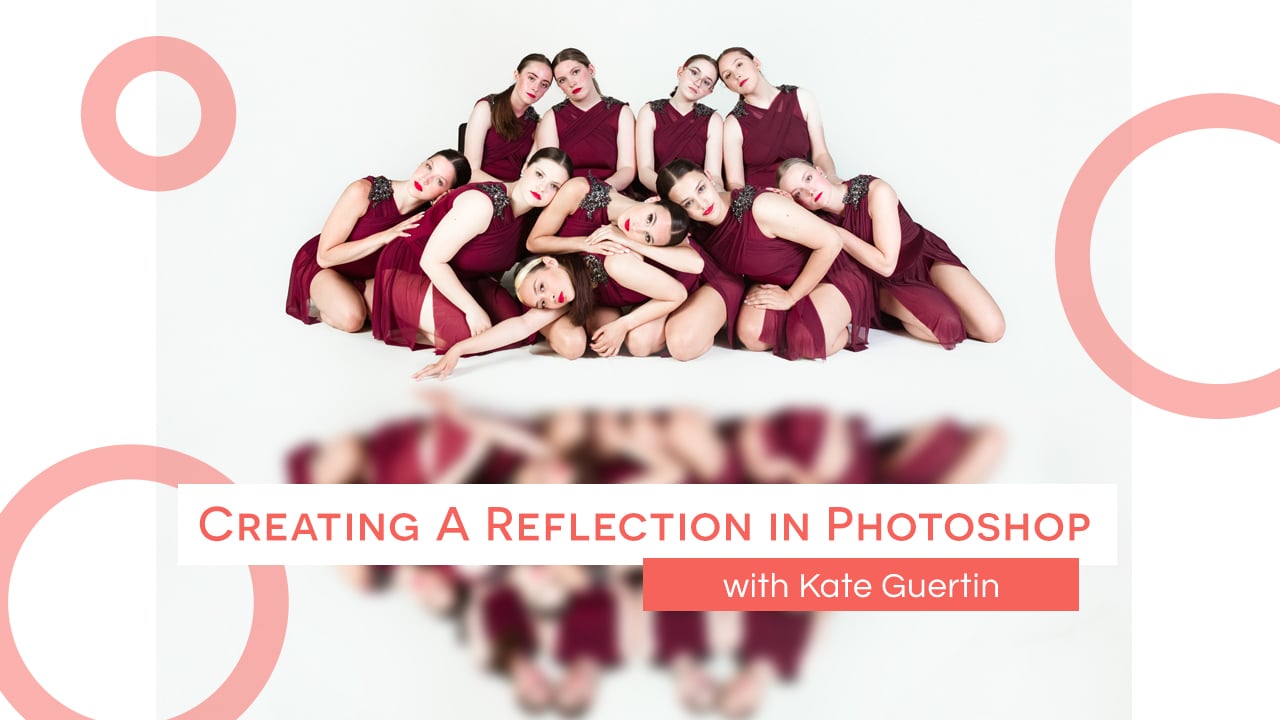
Creating a Reflection in Photoshop with Kate Guertinclock icon7m

Creating a Reflection in Photoshop with Kate Guertin

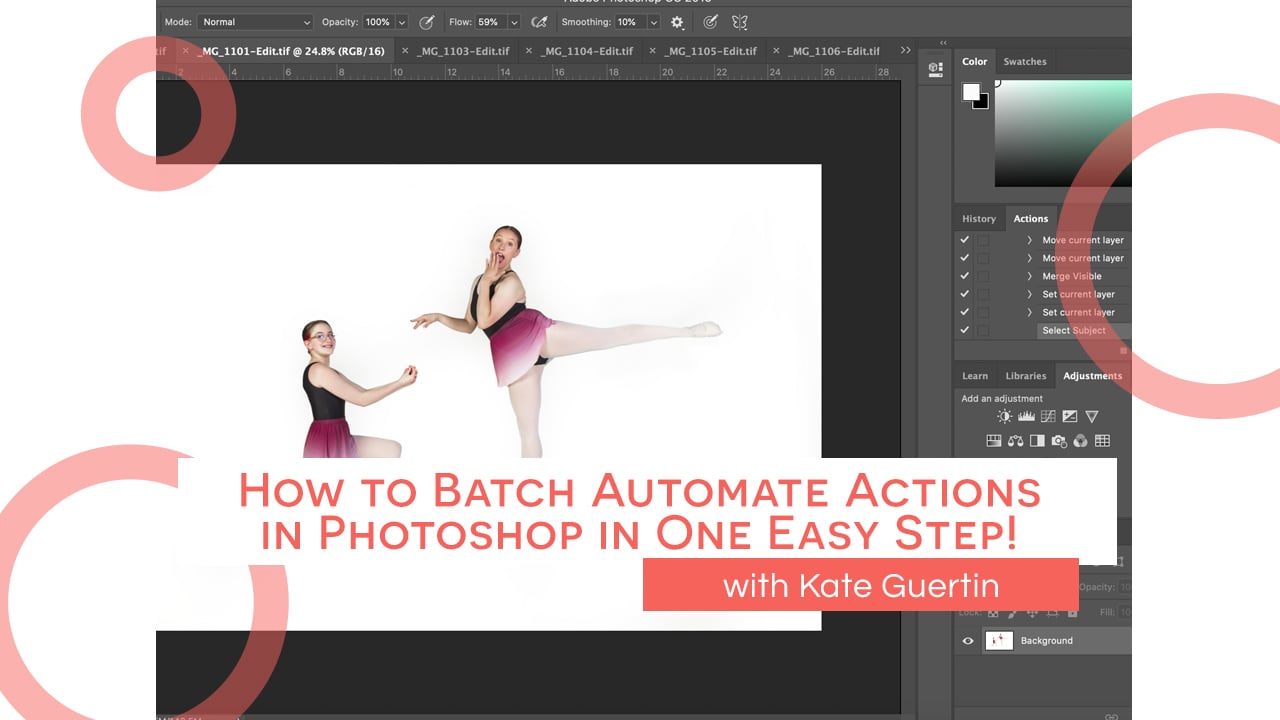
How to Batch Automate Actions in Photoshop in One Easy Step! with Kate Guertinclock icon5m

How to Batch Automate Actions in Photoshop in One Easy Step! with Kate Guertin