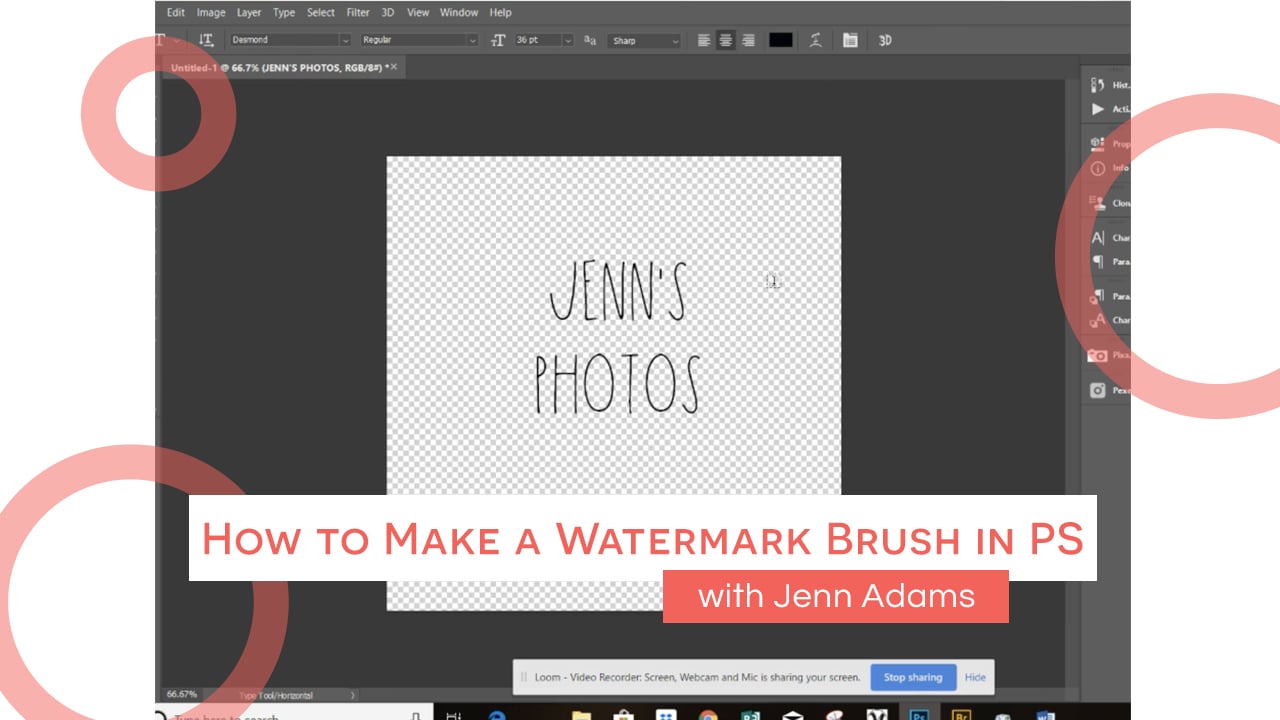

How to Make a Watermark Brush in PS with Jennclock icon4m

276442722

How to Use Facebook's Video Cover Feature to Stand Out with Mentor Kate!clock icon17m

How to Use Facebook’s Video Cover Feature to Stand Out with Mentor Kate!

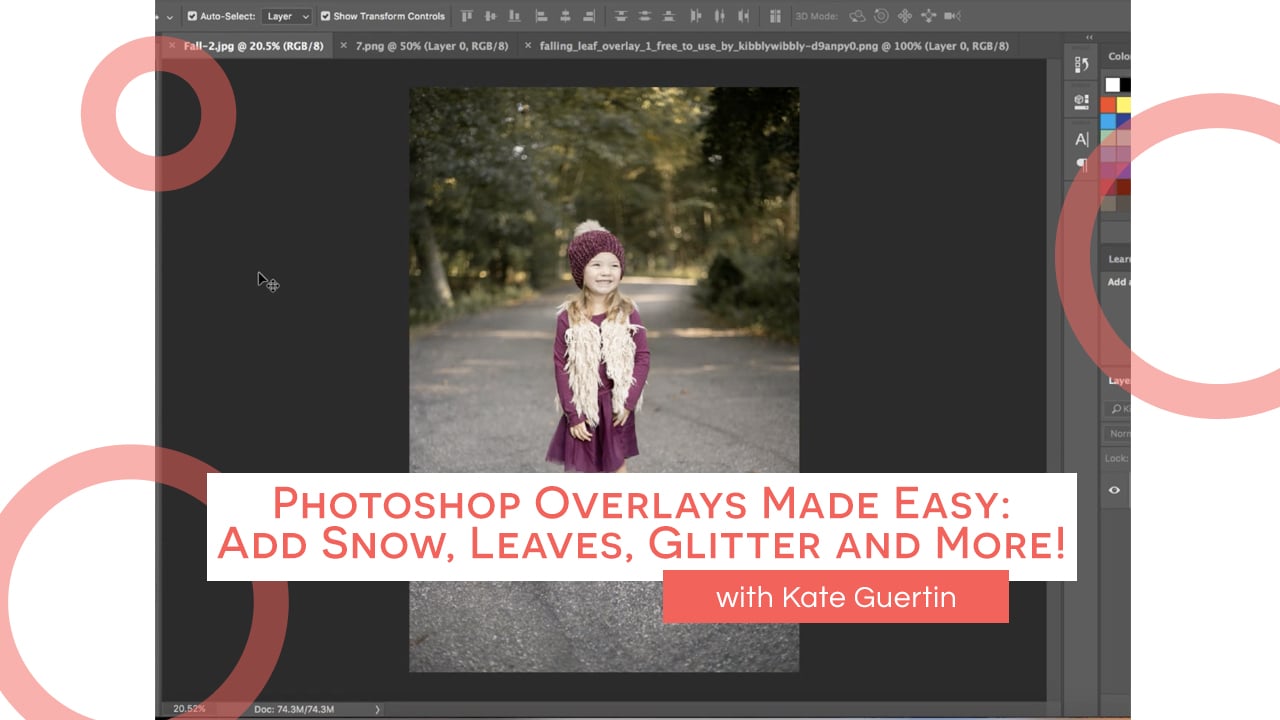
Photoshop Overlays Made Easy: Add Snow, Leaves, Glitter and more!clock icon19m

Photoshop Overlays Made Easy: Add Snow, Leaves, Glitter and more!

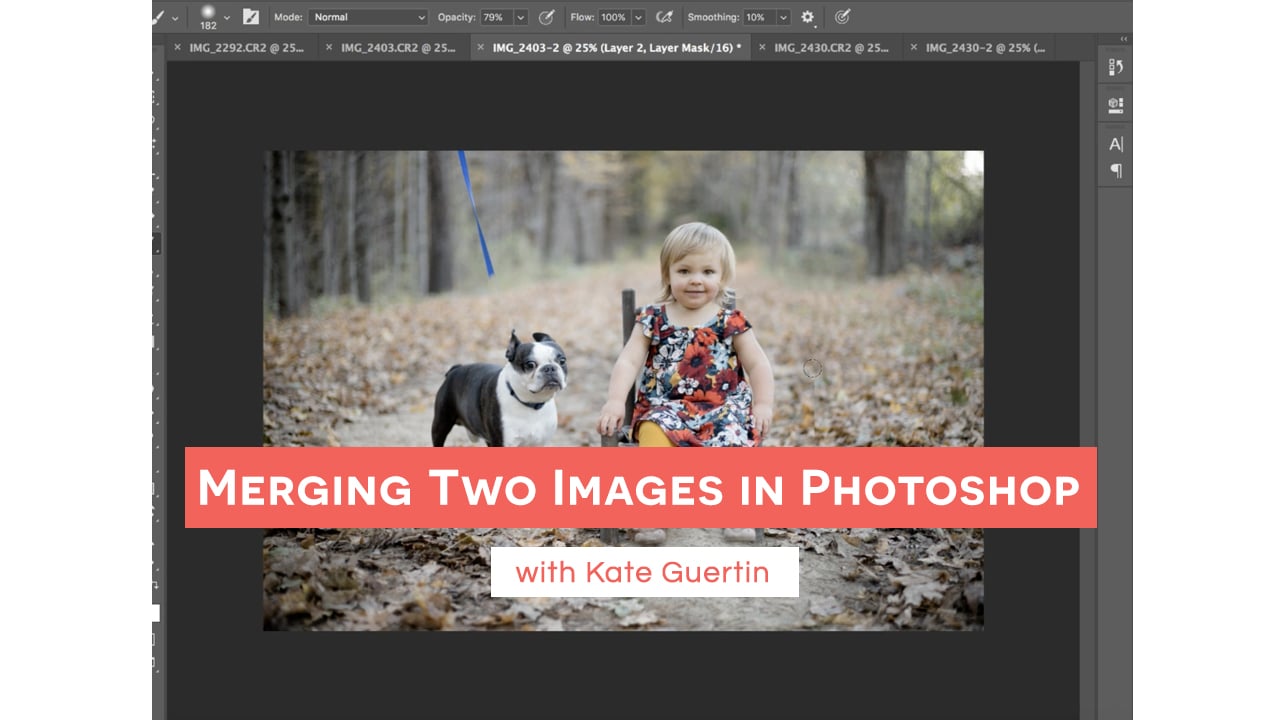
Merging Two Images in Photoshop with Kate!clock icon18m

Merging Two Images in Photoshop with Kate!

Extending Seamless Backdrops in Photoshop in 3 Quick Steps!clock icon6m

Extending Seamless Backdrops in Photoshop in 3 Quick Steps!

Six Photography Website Must Haves!clock icon9m

Six Photography Website Must Haves!

Upgrading from Headshots to a Full Portrait Session! Just ASK!clock icon8m

Upgrading from Headshots to a Full Portrait Session! Just ASK!

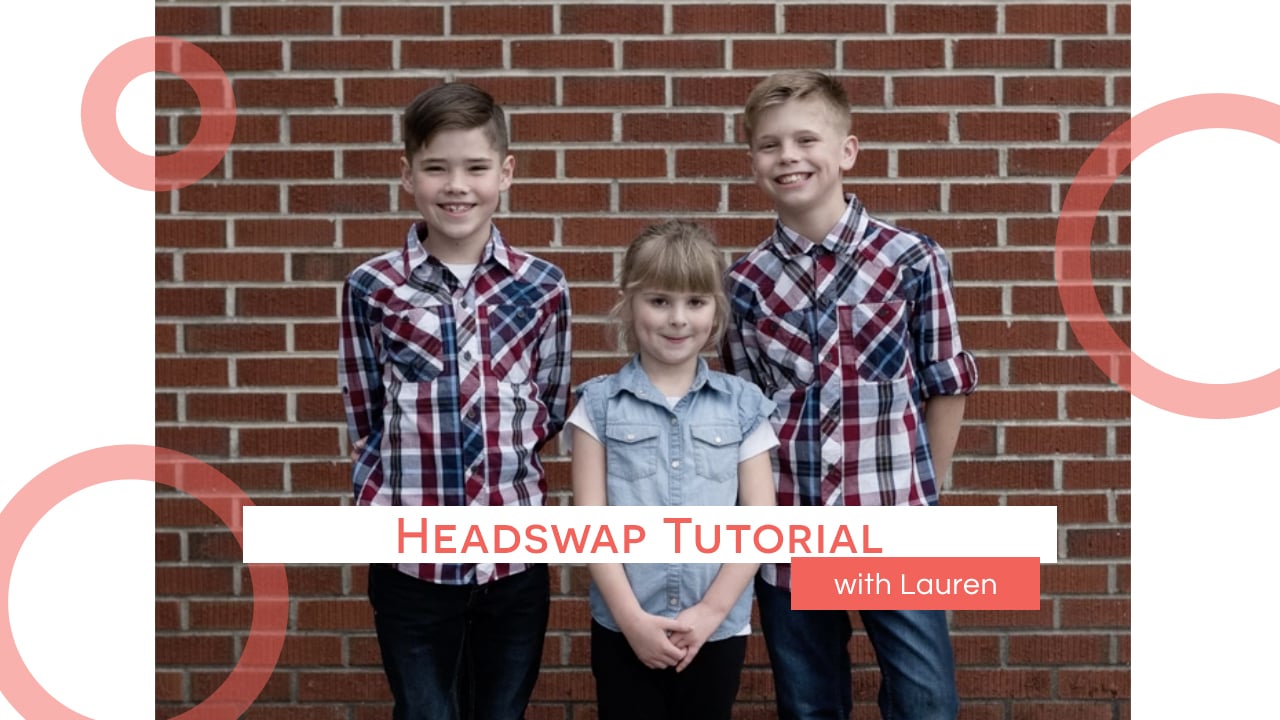
Headswap Tutorial from Laurenclock icon3m

Headswap Tutorial from Lauren

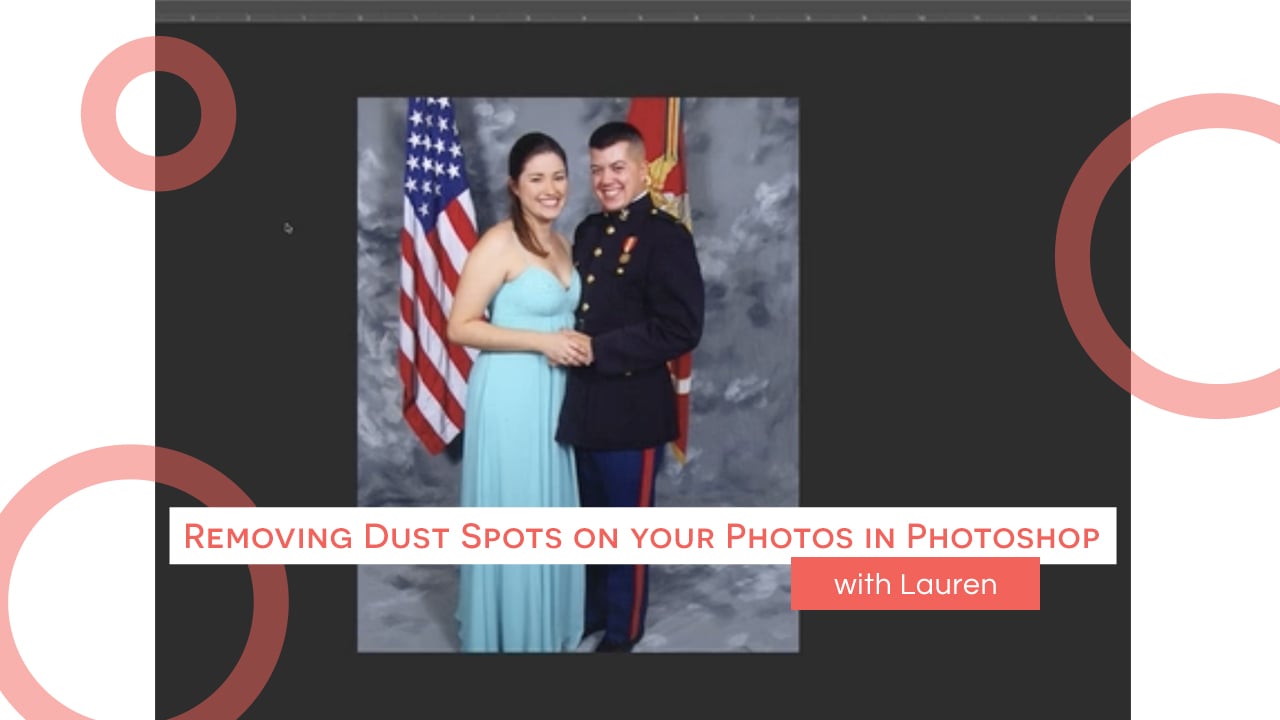
Removing Dust Spots on your Photos in Photoshop with Laurenclock icon6m

Removing Dust Spots on your Photos in Photoshop with Lauren

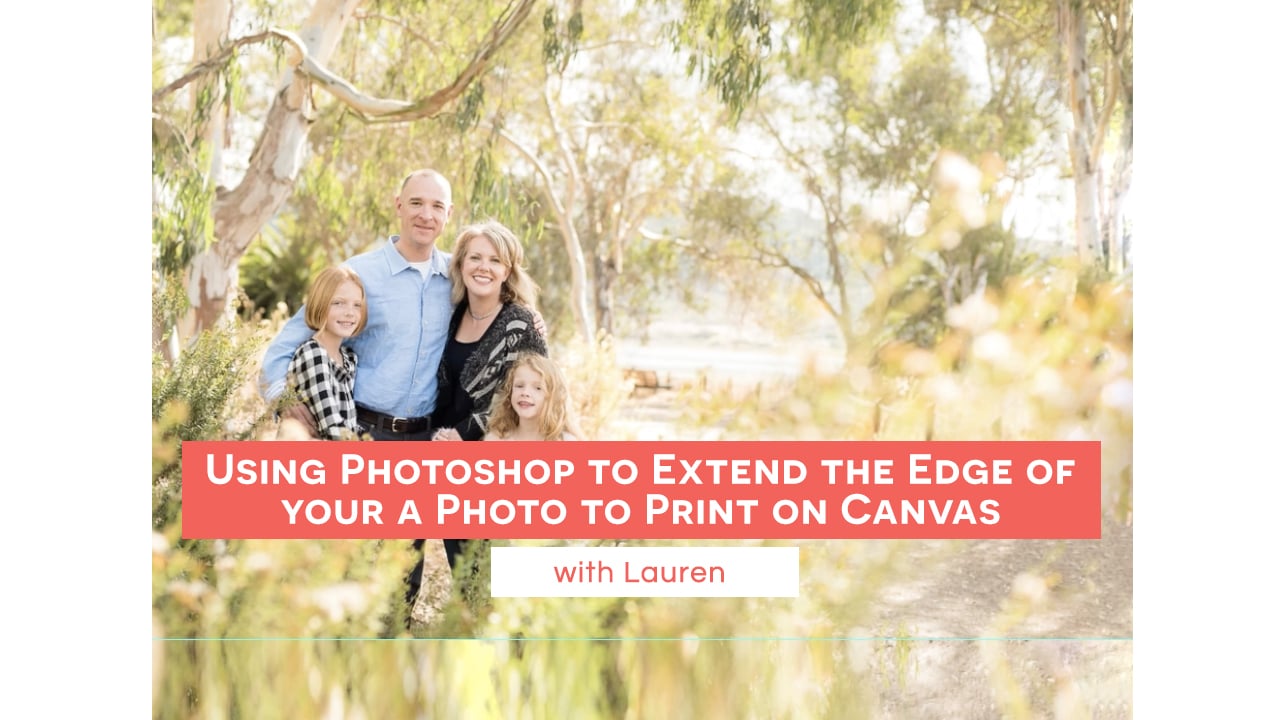
Using Photoshop to Extend the Edge of your Photo to Print on Canvas with Laurenclock icon10m

Using Photoshop to Extend the Edge of your Photo to Print on Canvas with Lauren

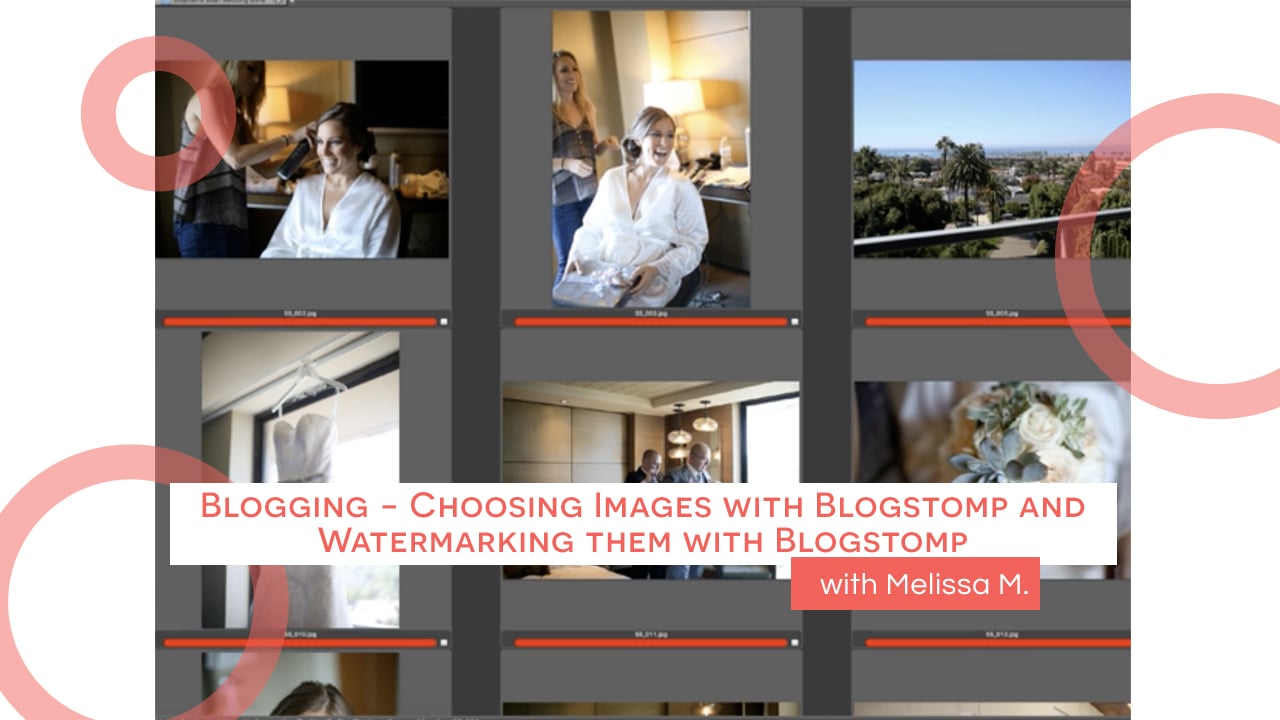
Blogging - Choosing images with Blogstomp and Watermarking them with Blogstomp by Melissaclock icon16m

Blogging – Choosing images with Blogstomp and Watermarking them with Blogstomp by Melissa

Blogging - Importing in to Wordpress and curating the Blog with Melissaclock icon11m

Blogging – Importing in to WordPress and curating the Blog with Melissa

Three Easy Updates you can make to your Website TODAY!clock icon8m

Three Easy Updates you can make to your Website TODAY!

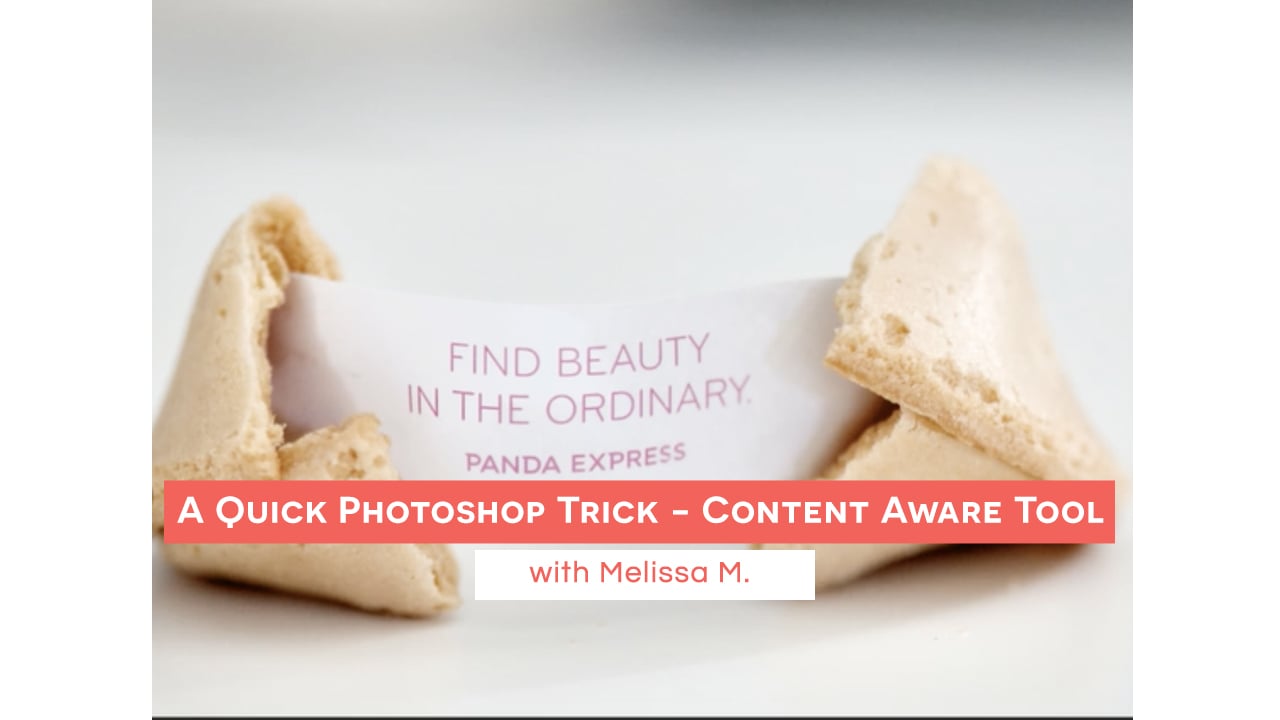
A Quick Photoshop Trick - Content Aware Tool (with Melissa)clock icon4m

A Quick Photoshop Trick – Content Aware Tool (with Melissa)

How to DIY Your Own Website - with Melissa Loveclock icon51m

How to DIY Your Own Website – with Melissa Love

How to use Smart Objects to Edit Your Images in Photoshopclock icon10m

How to use Smart Objects to Edit Your Images in Photoshop