Extending Seamless Backdrops in Photoshop in 3 Quick Steps!clock icon6m

Extending Seamless Backdrops in Photoshop in 3 Quick Steps!

Mini Session Gallery Walkthrough with Kate!clock icon19m

Mini Session Gallery Walkthrough with Kate!

How to customize your image alt text on Facebookclock icon4m

How to customize your image alt text on Facebook

Instagram Tips for More Engagement!clock icon13m

Instagram Tips for More Engagement!

Headswap Tutorial from Laurenclock icon3m

Headswap Tutorial from Lauren

Removing Dust Spots on your Photos in Photoshop with Laurenclock icon6m

Removing Dust Spots on your Photos in Photoshop with Lauren

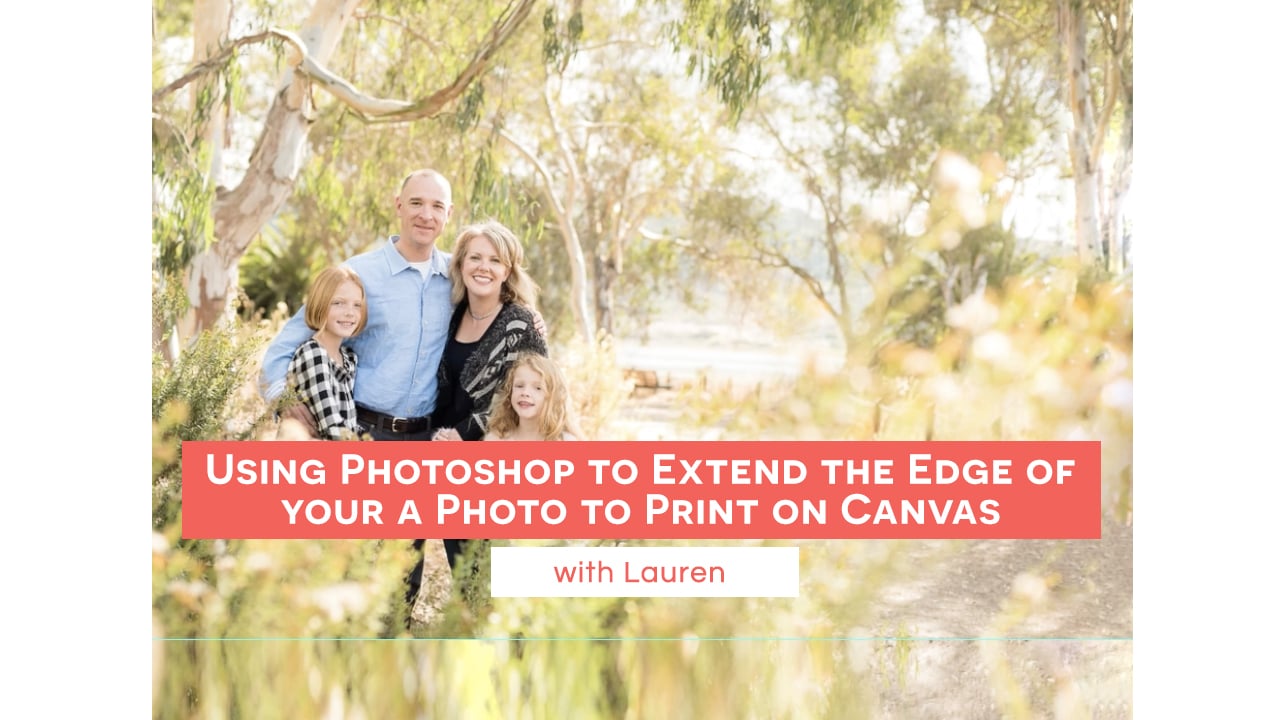
Using Photoshop to Extend the Edge of your Photo to Print on Canvas with Laurenclock icon10m

Using Photoshop to Extend the Edge of your Photo to Print on Canvas with Lauren

Pricing Makeover with Melissaclock icon27m

Pricing Makeover with Melissa

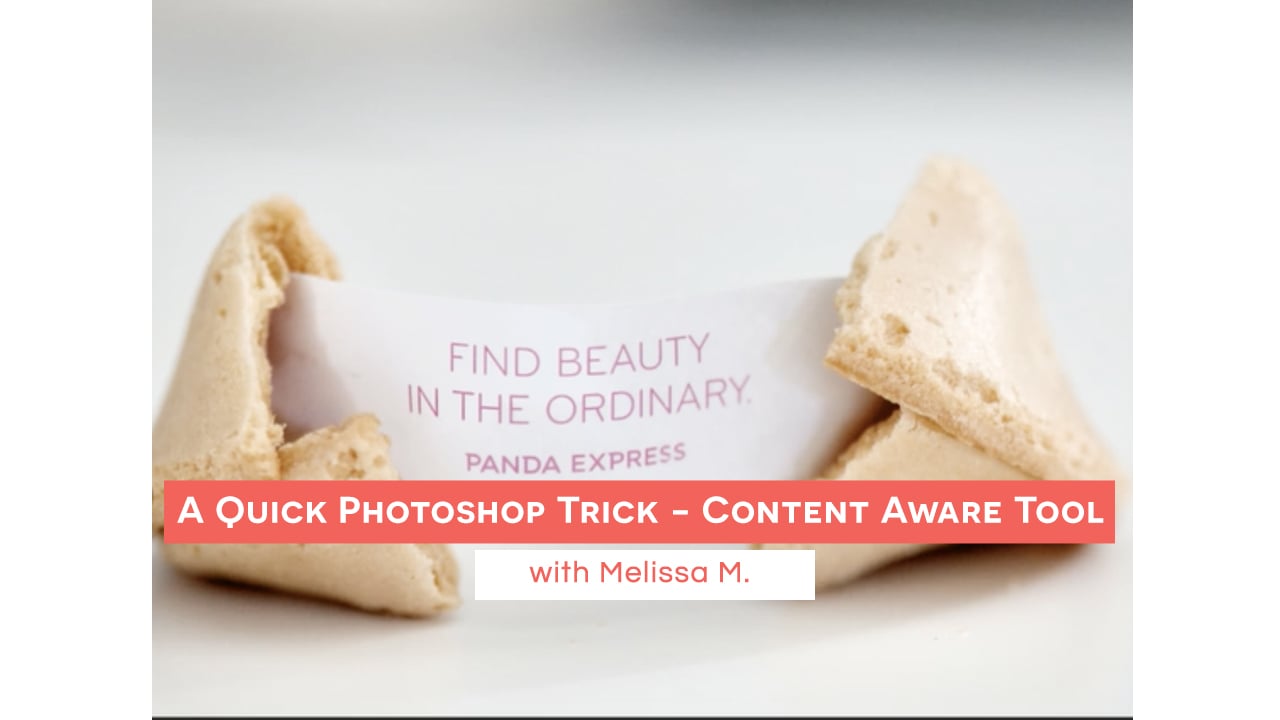
A Quick Photoshop Trick - Content Aware Tool (with Melissa)clock icon4m

A Quick Photoshop Trick – Content Aware Tool (with Melissa)

How to use Smart Objects to Edit Your Images in Photoshopclock icon10m

How to use Smart Objects to Edit Your Images in Photoshop

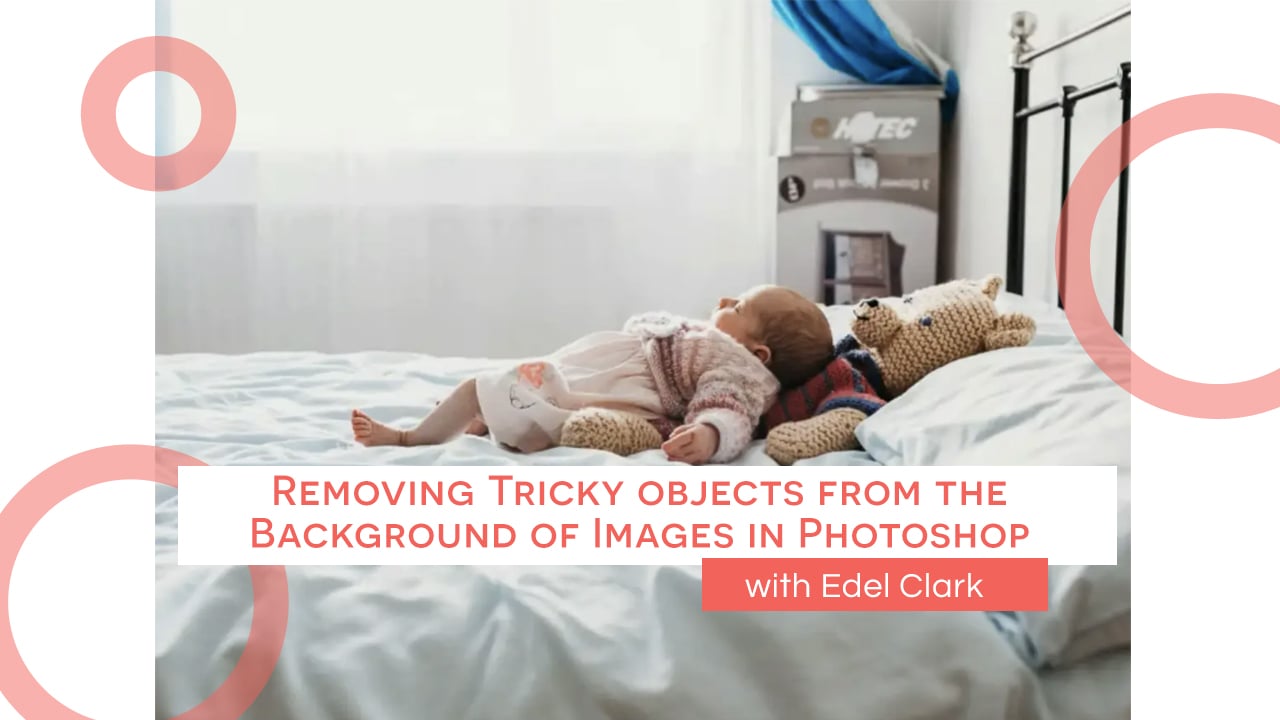
Removing Tricky objects from the Background of Images in Photoshopclock icon12m

Removing Tricky objects from the Background of Images in Photoshop

Using the Perspective Warp Tool in Photoshopclock icon6m

Using the Perspective Warp Tool in Photoshop

How to Change the Color of a Backdrop in Photoshopclock icon3m

How to Change the Color of a Backdrop in Photoshop

Preparing and Extending an Image for a Canvas Sizeclock icon5m

Preparing and Extending an Image for a Canvas Size

Editing Quick Tip: Content Aware Crop Hack in PS! with Kate Guertinclock icon3m

Editing Quick Tip: Content Aware Crop Hack in PS! with Kate Guertin

Facebook is NOT the Enemy - How to understand and beat the algorithm! with Debbie Deeclock icon13m

Facebook is NOT the Enemy – How to understand and beat the algorithm! with Debbie Dee