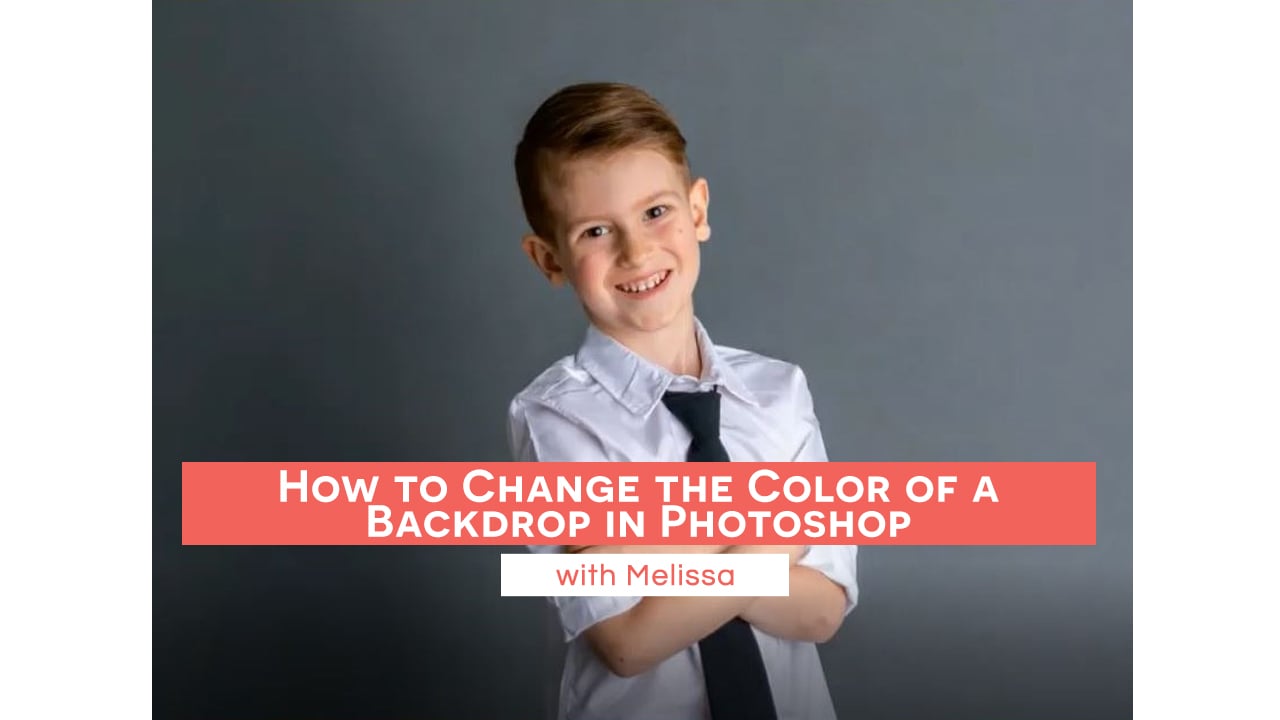
How to Change the Color of a Backdrop in Photoshopclock icon3m

How to Change the Color of a Backdrop in Photoshop

Preparing and Extending an Image for a Canvas Sizeclock icon5m

Preparing and Extending an Image for a Canvas Size

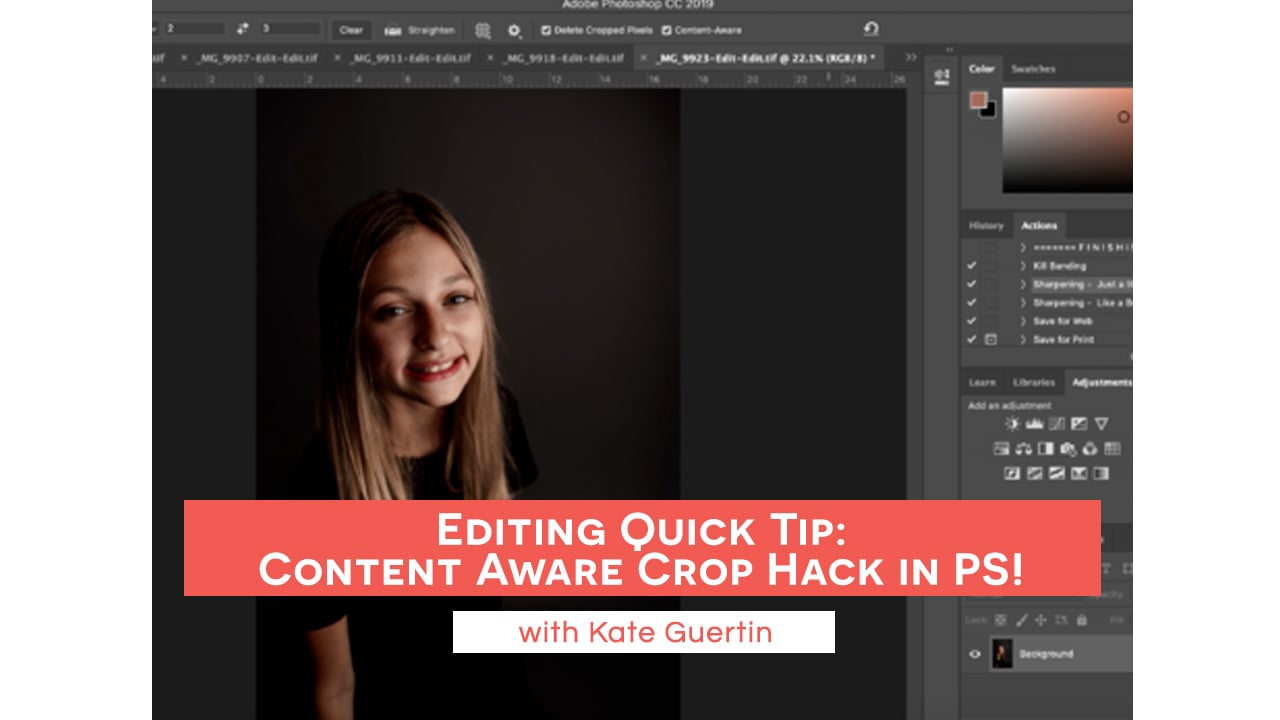
Editing Quick Tip: Content Aware Crop Hack in PS! with Kate Guertinclock icon3m

Editing Quick Tip: Content Aware Crop Hack in PS! with Kate Guertin

Google My Business Setup with Melissa Franklinclock icon11m

Google My Business Setup with Melissa Franklin

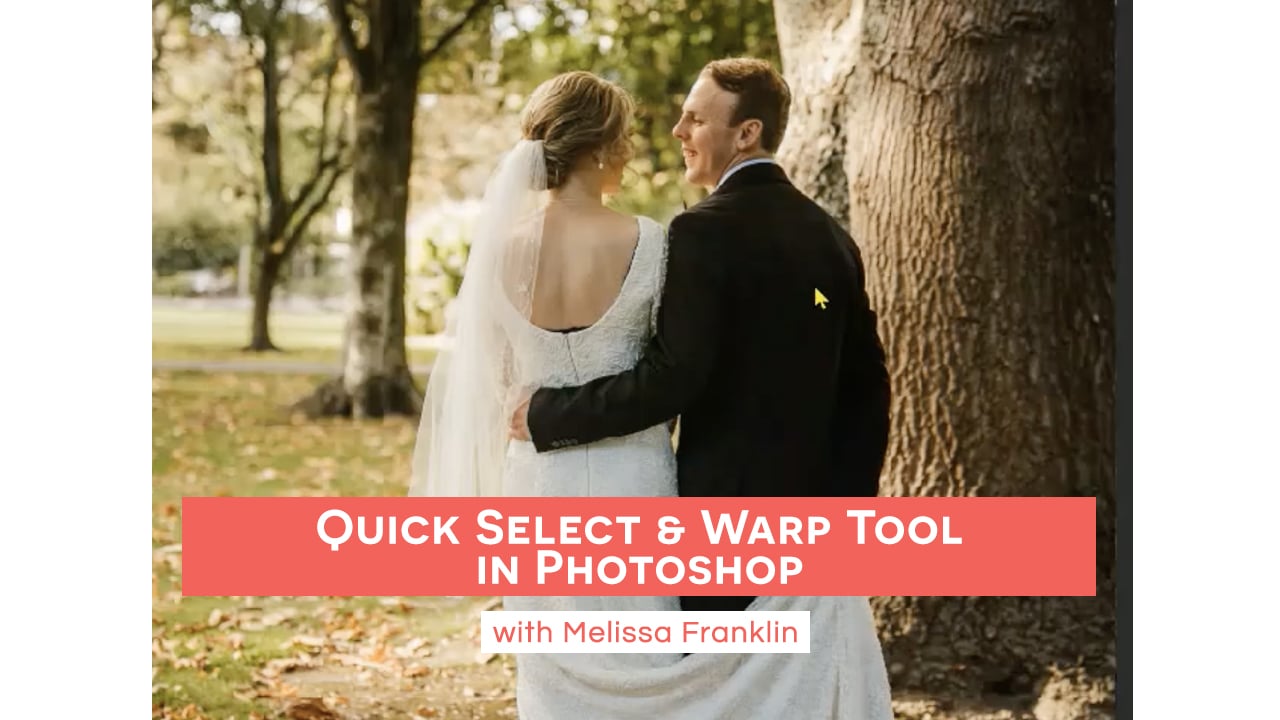
Quick Select & Warp Tool in Photoshop with Melissa Franklinclock icon4m

Quick Select & Warp Tool in Photoshop with Melissa Franklin

Real Talk: Monthly Newsletters with Ashley Bringenbergclock icon4m

Real Talk: Monthly Newsletters with Ashley Bringenberg

Ideas for Client Gifts with Jessica Allenclock icon7m

Ideas for Client Gifts with Jessica Allen

Real Talk: Make Your Business Stand Out with Melissa Franklinclock icon3m

Real Talk: Make Your Business Stand Out with Melissa Franklin

Creating Clipping Masks in PS with Ashley Bringenbergclock icon11m

Creating Clipping Masks in PS with Ashley Bringenberg

Photo Business Admin: Day in the Life of a Photographer with Kate Guertin, Episode 4clock icon11m

Photo Business Admin: Day in the Life of a Photographer with Kate Guertin, Episode 4

Client Communication & Managing Expectationsclock icon28m

Client Communication & Managing Expectations

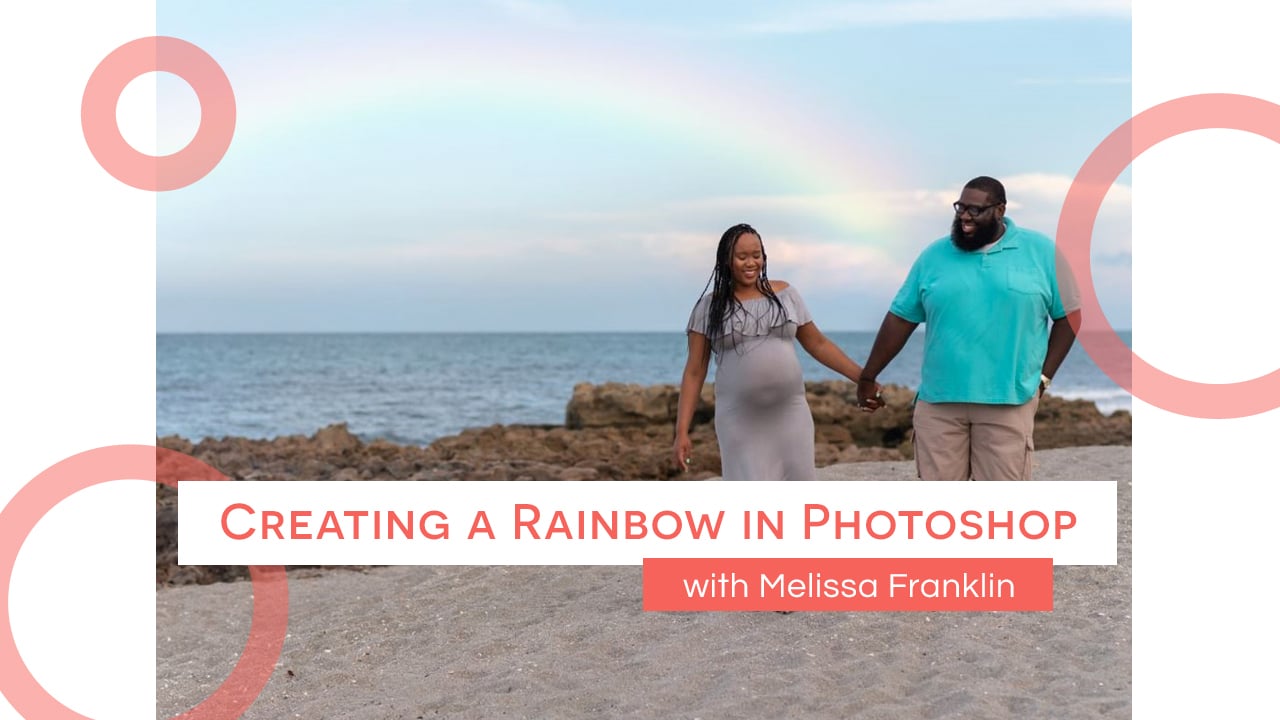
Creating a Rainbow in Photoshop Without an Overlay with Melissa Franklinclock icon7m

Creating a Rainbow in Photoshop Without an Overlay with Melissa Franklin

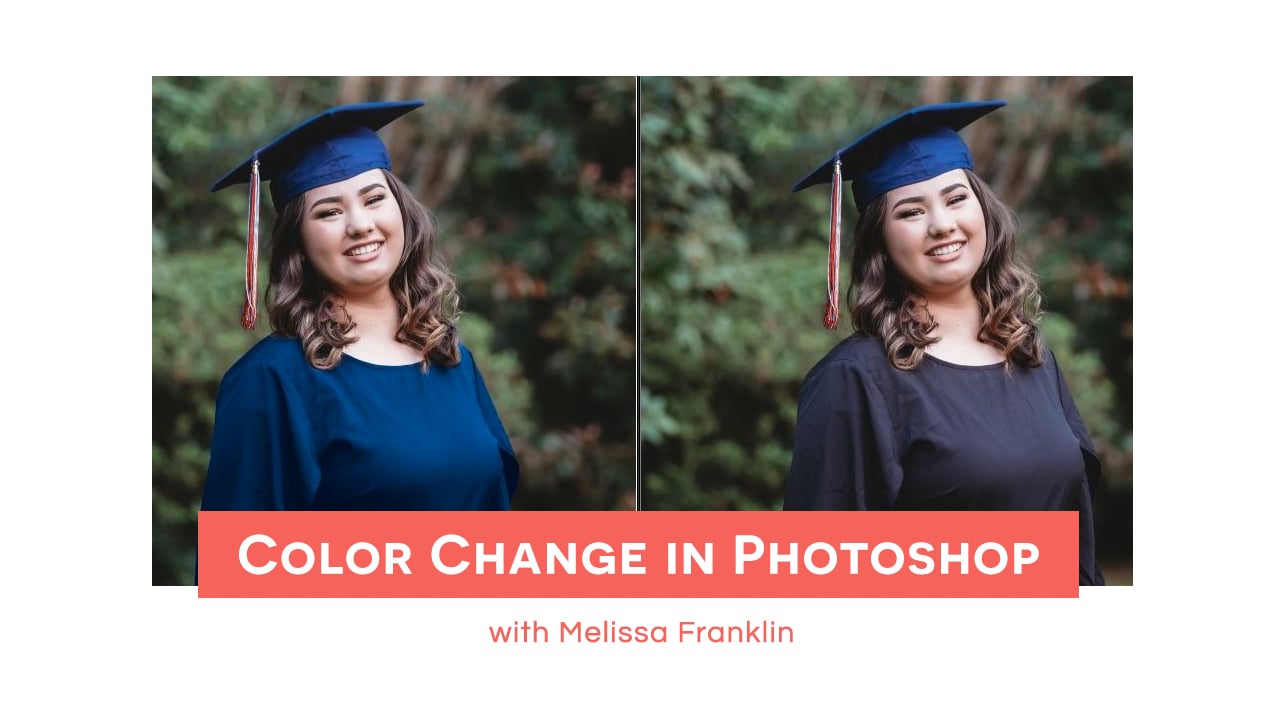
Color Change in Photoshop with Melissa Franklinclock icon7m

Color Change in Photoshop with Melissa Franklin

A Look at Fundy Designer with Ashley Bringenbergclock icon13m

A Look at Fundy Designer with Ashley Bringenberg

Dance Company Headshots: Day in the Life of A Photographer with Kate Guertin, Episode 5clock icon10m

Dance Company Headshots: Day in the Life of A Photographer with Kate Guertin, Episode 5

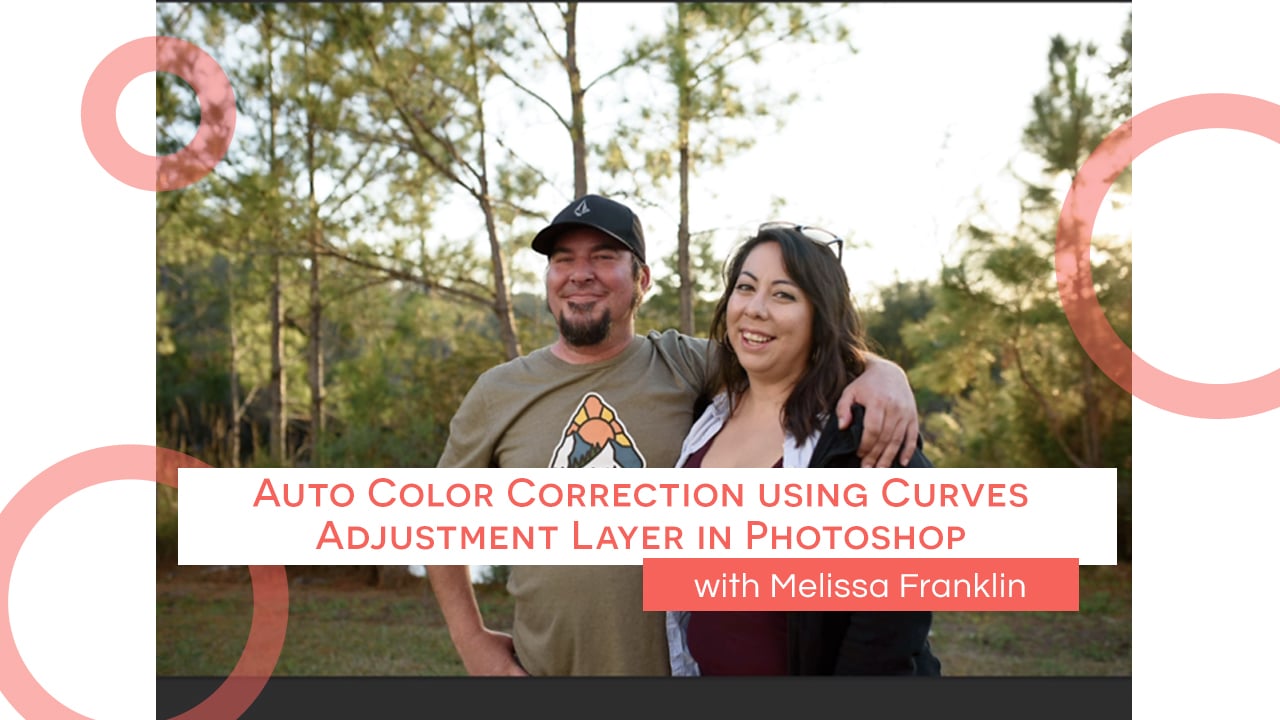
Auto Color Correction using Curves Adjustment Layer in Photoshop with Melissa Franklinclock icon4m

Auto Color Correction using Curves Adjustment Layer in Photoshop with Melissa Franklin