A Quick Way to Know if Your Image is Over- or Underexposed with Laurenclock icon3m

A Quick Way to Know if Your Image is Over- or Underexposed with Lauren

Removing Dust Spots on your Photos in Photoshop with Laurenclock icon6m

Removing Dust Spots on your Photos in Photoshop with Lauren

Using the Tone Curve to Lift Midtones in Lightroom with Laurenclock icon11m

Using the Tone Curve to Lift Midtones in Lightroom with Lauren

Using Photoshop to Extend the Edge of your Photo to Print on Canvas with Laurenclock icon10m

Using Photoshop to Extend the Edge of your Photo to Print on Canvas with Lauren

Behind the Scenes: Newborn Sessionclock icon18m

Behind the Scenes: Newborn Session

Twin Newborn Gallery Walkthroughclock icon19m

Twin Newborn Gallery Walkthrough

How to automatically send client feedback questionnaire in Taveclock icon7m

How to automatically send client feedback questionnaire in Tave

Preparing and Extending an Image for a Canvas Sizeclock icon5m

Preparing and Extending an Image for a Canvas Size

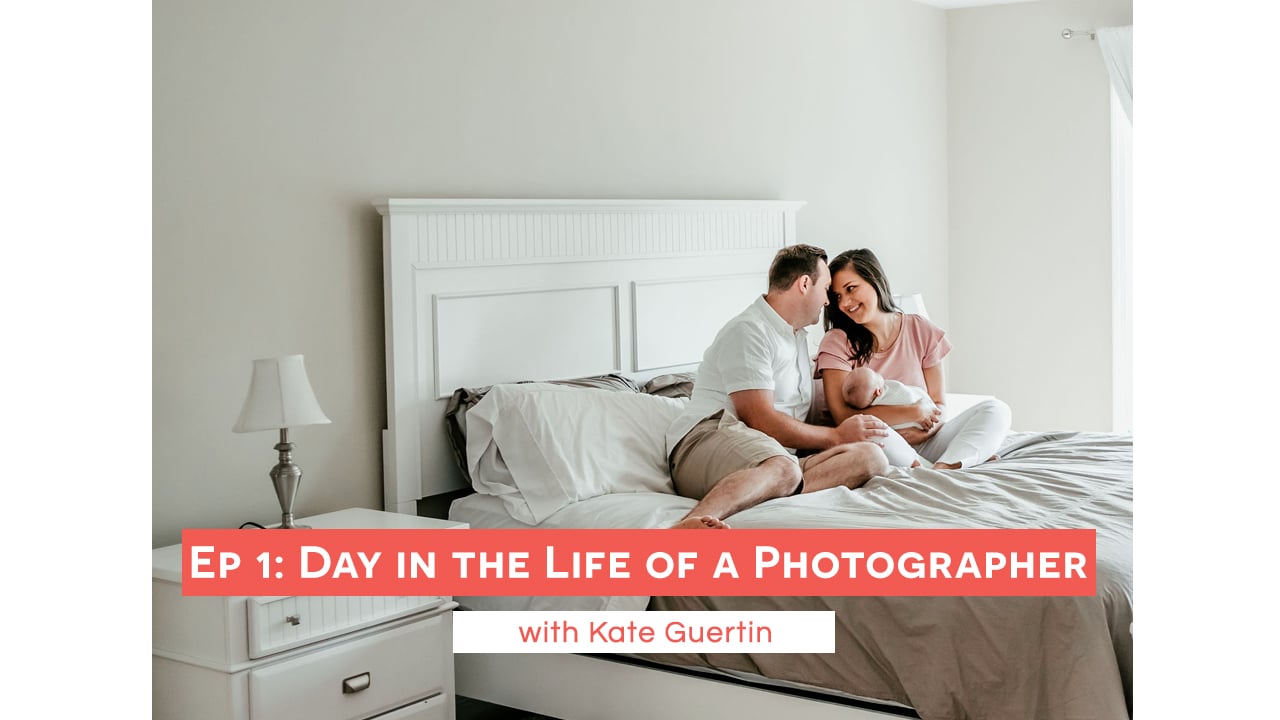
5 Tips for Newborn Lifestyle Sessions! Day in the Life Episode 1 with Kate Guertinclock icon14m

5 Tips for Newborn Lifestyle Sessions! Day in the Life Episode 1 with Kate Guertin

Editing black and white images with Wendy Caswellclock icon5m

Editing black and white images with Wendy Caswell

Photo Business Admin: Day in the Life of a Photographer with Kate Guertin, Episode 4clock icon11m

Photo Business Admin: Day in the Life of a Photographer with Kate Guertin, Episode 4

HSL Panel Quick Tip with Kate Guertinclock icon8m

HSL Panel Quick Tip with Kate Guertin

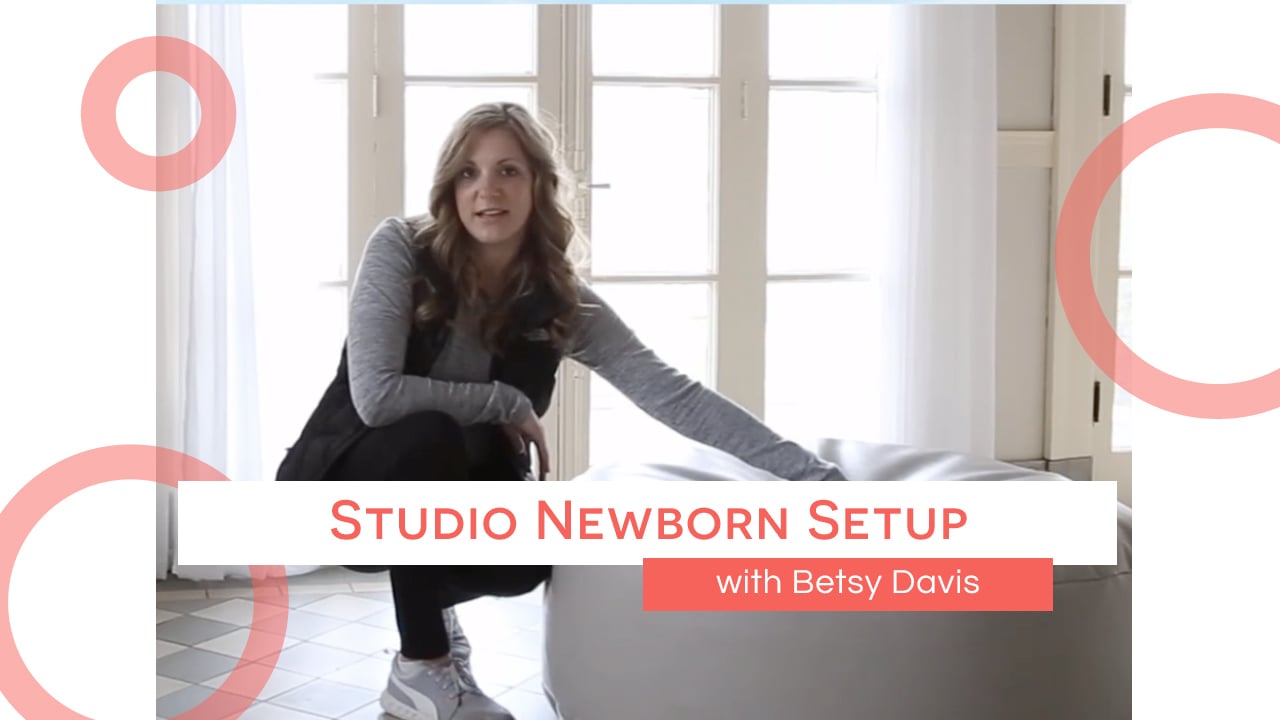
Studio Newborn Setup with Betsy Davisclock icon18m

Studio Newborn Setup with Betsy Davis

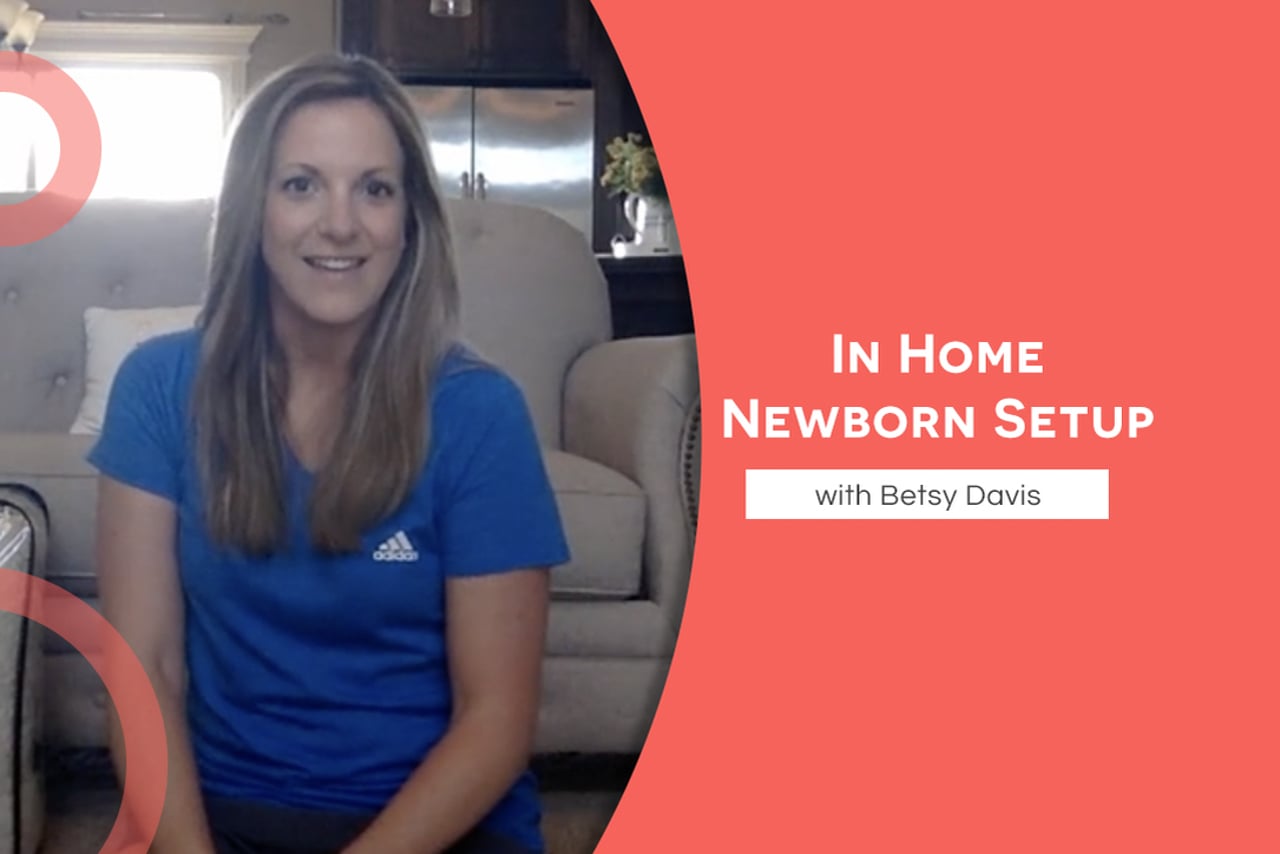
In Home Newborn Setup with Betsy Davisclock icon31m

In Home Newborn Setup with Betsy Davis

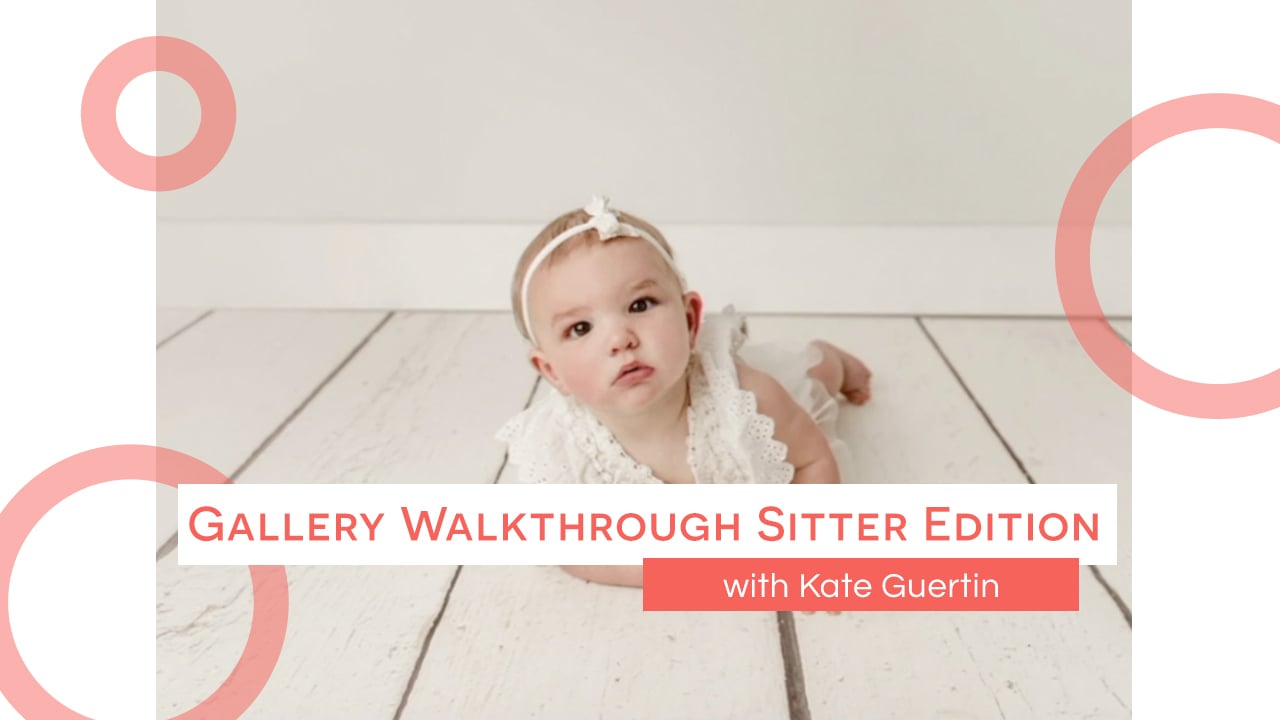
Gallery Walkthrough Sitter Edition with Kate!clock icon9m

Gallery Walkthrough Sitter Edition with Kate!

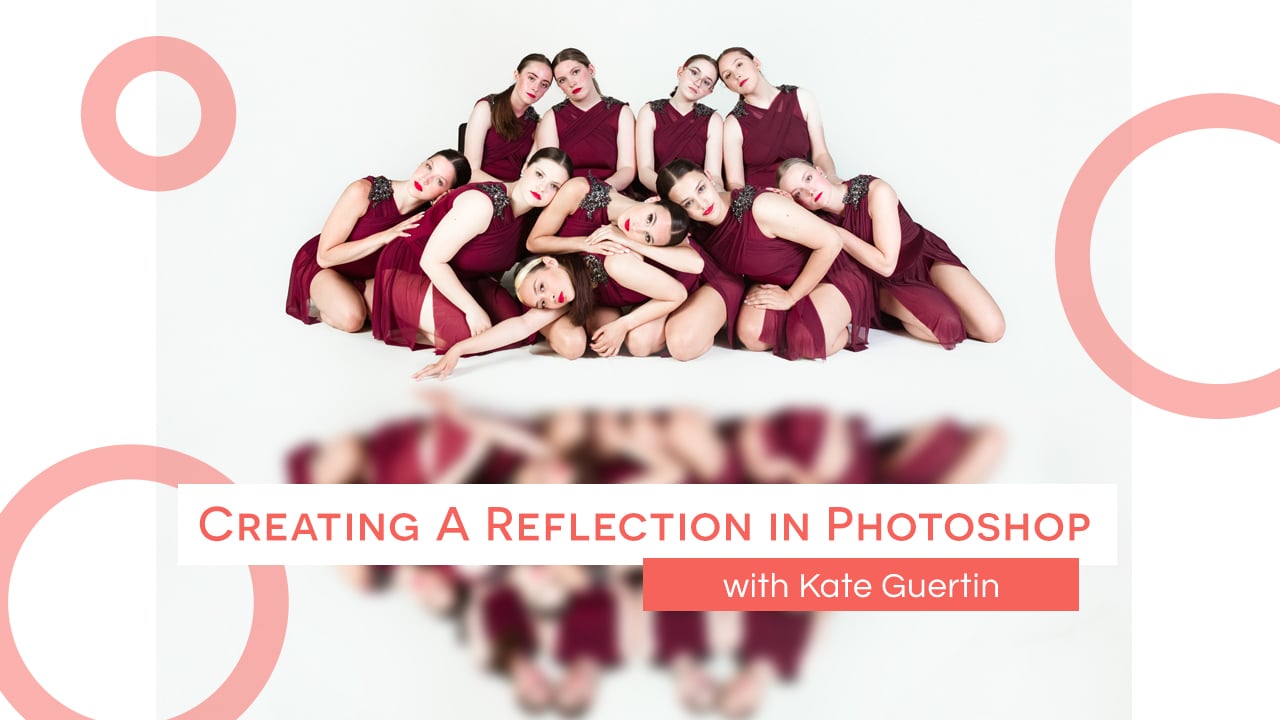
Creating a Reflection in Photoshop with Kate Guertinclock icon7m

Creating a Reflection in Photoshop with Kate Guertin