The Battle of Editing Software: Affinity Photo vs. Luminar

The Battle of Editing Software: Affinity Photo vs. Luminar

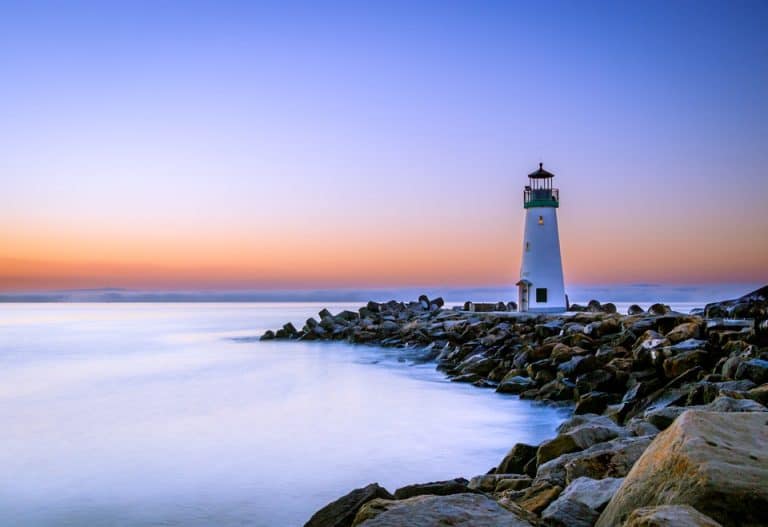
When you compare Luminar vs Affinity Photo, there are many items to consider before you arrive at the best one for your needs. Both editors offer lots of functionality for the price, making them an excellent value, and the performance also doesn’t disappoint even when you’re working with RAW format content. What Is Luminar? Luminar…
How to Apply Sun Rays in Photoshop
|

How to Apply Sun Rays in Photoshop

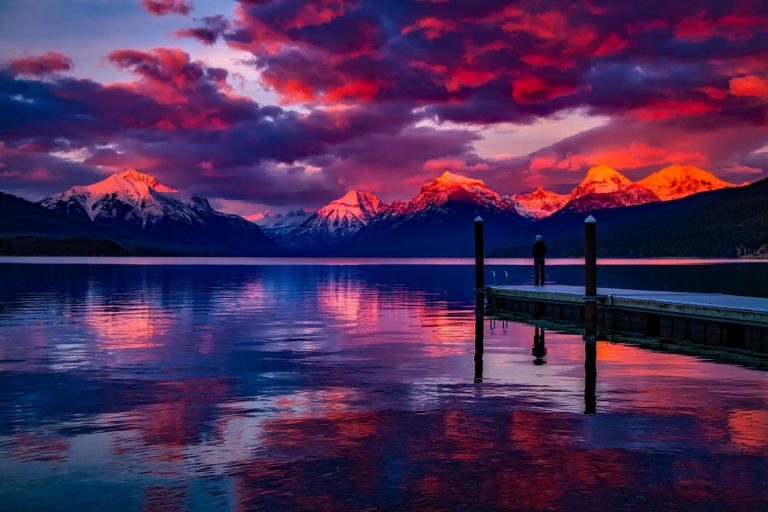
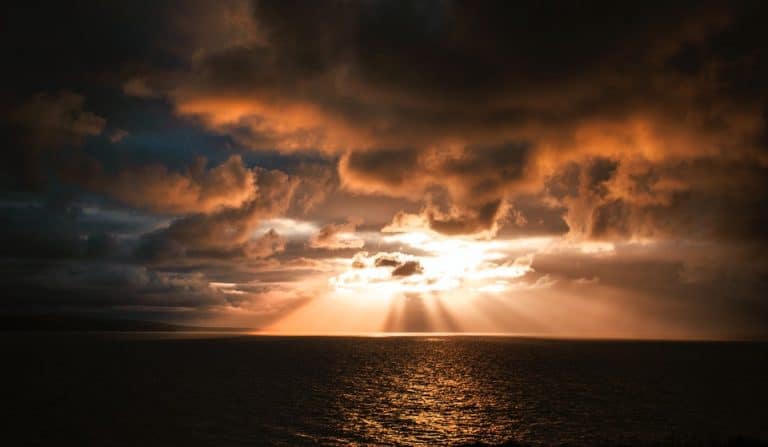
The sun’s rays are one of the most beautiful details about an early morning stroll or a beautiful sunset. Yet despite their beauty, light rays are often challenging to capture with a camera alone, which is why many photographers resort to adding in rays with Photoshop during their editing process.  Creating rays in Adobe Photoshop…

Luminar vs Lightroom: Which One Is Best for Photo Editing?
|

Luminar vs Lightroom: Which One Is Best for Photo Editing?

Creating a beautiful picture requires more than framing the perfect shot. Photo editing allows you to take your craft to the next level, turning out flawless photos that genuinely captivate audiences. If you’re new to the game, you’re probably wondering, “Which photo editor is right for me?” There is no one right answer. The right…

How to Take Prom Pictures That Are Jaw-Dropping
|

How to Take Prom Pictures That Are Jaw-Dropping

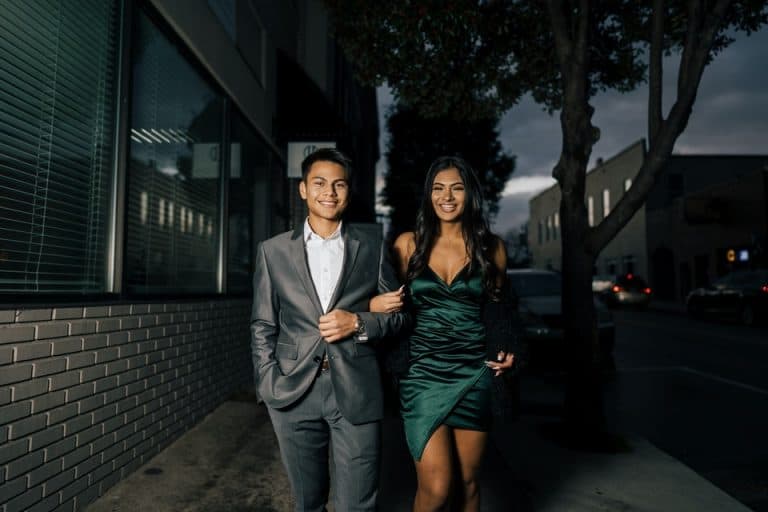
As a photographer, specific points of the year are sure to bring in work. Prom is one of them. Snapping pictures of teenagers in formalwear might sound straightforward enough, but it requires careful planning and attention. This guide explains how to take pictures of prom that will preserve the memories of this special occasion. How…

How to Make a Panorama in Photoshop
|

How to Make a Panorama in Photoshop

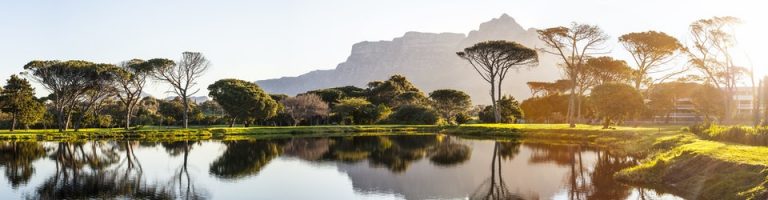
Panoramic photos are a cool way to showcase seamless images of more expansive physical spaces. Traditional panoramic views are typically of landscapes and cityscapes, but you don’t have to limit your photos to just those.  Most photographers create these wider images by stitching together several photos horizontally or vertically from different angles using Adobe Photoshop…

How to Open Raw Files the Easy Way
|

How to Open Raw Files the Easy Way

Since the early 2000s, the raw file format has produced some of the highest quality images possible. Digital cameras typically produce images in the JPEG or raw format. Many programs recognize JPEG, but to view raw files is a different story. A raw image is large and stores more information. Different camera brands produce varying…

Photo Editing 101: High Contrast vs. Low Contrast
|

Photo Editing 101: High Contrast vs. Low Contrast

Contrast is one of the most essential components of photography. When used effectively, it creates clarity, texture, shadow, tone, and light in an image. It can help you draw attention to particular elements of a photo or even emphasize your subject.  In this article, we’re going to concentrate on high contrast against low contrast photography….

Best Wildlife Camera for Photographers
|

Best Wildlife Camera for Photographers

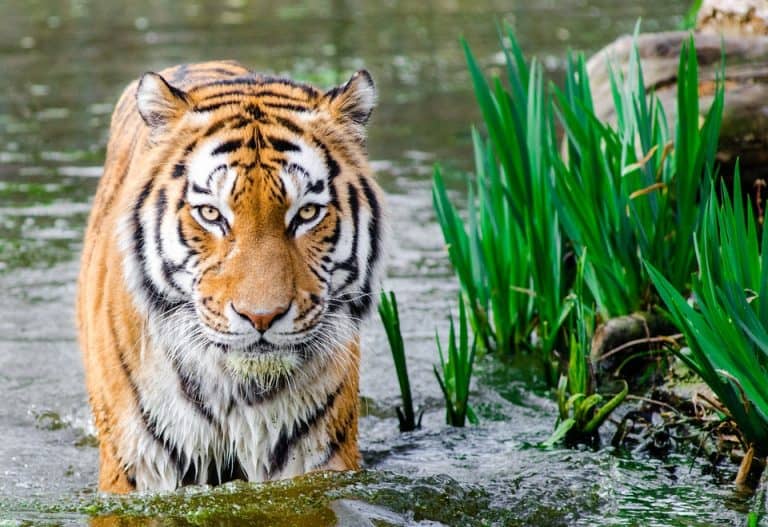
Wildlife photography is already a challenging discipline. It requires a durable camera that can withstand frequent travel and harsh weather conditions. It also has to be able to deal with rapid movement, make use of inadequate lighting, and capture detail. Even if you know what to look for in a wildlife photography camera, there are…

ON1 Photo Raw vs Lightroom: Editing Options for Photographers
|

ON1 Photo Raw vs Lightroom: Editing Options for Photographers

Photographers know that their job doesn’t end when the shoot is over. Organizing and editing photos are as crucial to the photography process as capturing the actual images.  Both ON1 Photo RAW and Adobe Lightroom are end-to-end photography editing software covering every aspect of photo management. You can store, organize, edit, and export your images…

The Big Debate: Sony vs Canon
|

The Big Debate: Sony vs Canon

Whether you’re just starting your photography career or are a seasoned photographer, having the perfect camera is an absolute must. However, with so much debate between the top two brands, it can be hard to pick between Sony or Canon.  Each camera has its selling points, and it is a very close race between these…

How to Sharpen Edges in Photoshop
|

How to Sharpen Edges in Photoshop

Have you snapped an image that ends up being unclear or blurry? The process of sharpening edges in Photoshop will significantly improve the quality of your image. Many photographers make the mistake of sharpening the entire image and applying the sharpen picture everywhere. There are many instances where you need to be more selective in…

Nikon vs Sony: Which Wins Out?
|

Nikon vs Sony: Which Wins Out?

When it comes to cameras, many people experience stress and confusion when trying to decide which camera brand to purchase. Two of the most popular camera brands are Nikon and Sony.  Today, we’re going to look at Nikon against Sony to decide which camera would be better for your needs. We’ll discuss the strengths and…

How to Make a Reflection in Photoshop
|

How to Make a Reflection in Photoshop

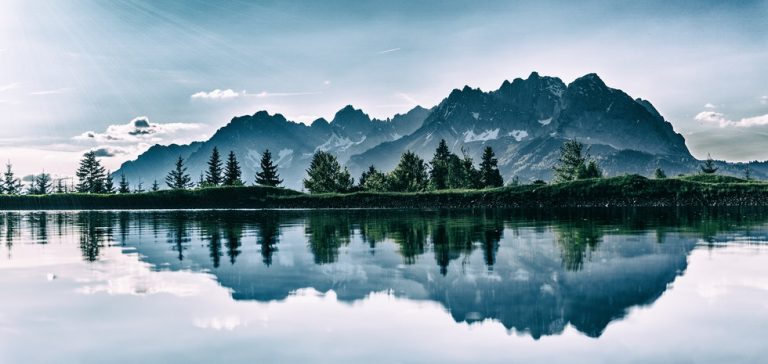
With Photoshop’s help, you can create breathtaking landscapes and epic shots with the software’s reflection capabilities. It is a photographer’s motivation to capture the perfect reflection. Not only does a reflection improve the subject, but it also adds another element of “wow” to the photo. Preparing this reflection in Photoshop is not the most straightforward…

How to Whiten Teeth in Photoshop
|

How to Whiten Teeth in Photoshop

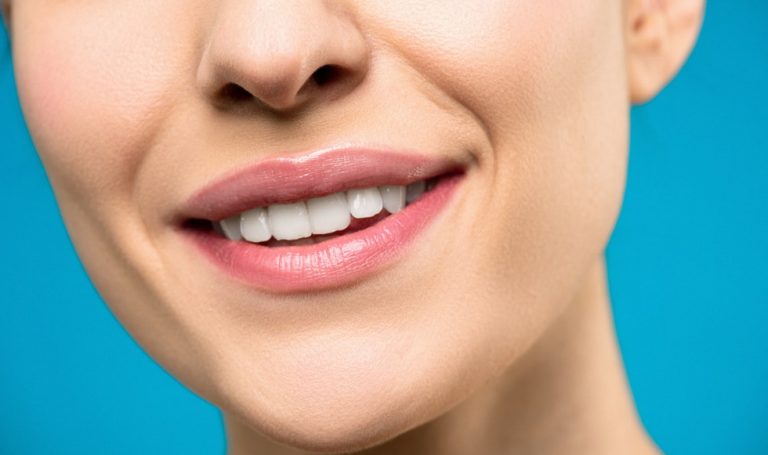
What are the benefits of whitening teeth in photoshop? We love to capture the beautiful moments of an anniversary, wedding, birthday, graduation, or other parties. Everyone is smiling and looking lively, but sometimes the group’s teeth color is inconsistent. Because of the teeth whitening capabilities of Adobe Photoshop, the teeth color imbalance can get removed….

How to Use LUTs in Photoshop
|

How to Use LUTs in Photoshop

A LUT, also known as a look up table, is a trusted color grading method for video editing. LUTs are useful in photo retouching via Photoshop. LUTs photoshop processes provide a blueprint of matching colors in photo or video footage. With just one click, you can implement a color grade process to an entire picture or…

How to Make a Photo Look Like a Painting in Photoshop
|

How to Make a Photo Look Like a Painting in Photoshop

Anything is possible with Adobe Photoshop software. One of the fantastic capabilities of the program is the ability to make your photos look like paintings. This article will show you how to make an image look similar to a painting in Photoshop. Photoshop contains many built-in filters, effects, and tools that will allow you to…