
Shutter Speed: The Most Useful Setting for Great Sports Photography
|

Shutter Speed: The Most Useful Setting for Great Sports Photography

 Interested in sports photography?! We’ve got you covered! Typically, the name of the game in sports photography is being able to capture intense action and freeze a moment in time. Many people will ask, “What settings are best for sports photography?” As in any type of photography, the exact settings will depend on many variables…

Lightroom Presets vs. Photoshop Actions: Which is better?
|

Lightroom Presets vs. Photoshop Actions: Which is better?

Have you been wondering if Lightroom Presets and Photoshop Actions could help you with your workflow? Here is a helpful overview to give you some insight into the two options. When it comes to photography image editing, Lightroom and Photoshop are the go-to choices for professionals in the photography industry. Each program supports post-production workflow…

Photoshop: When photo editing goes bad!
|

Photoshop: When photo editing goes bad!

Ever wonder what happens when good Photoshop goes bad?  Check out how to keep your photo editing in check and on the right track! You wake to find an e-mail in your inbox titled “Photoshop: When photo editing goes bad.”  As these things are always amusing, you click on it only to find it is…

Getting Started With Layer Masks in Photoshop
|

Getting Started With Layer Masks in Photoshop

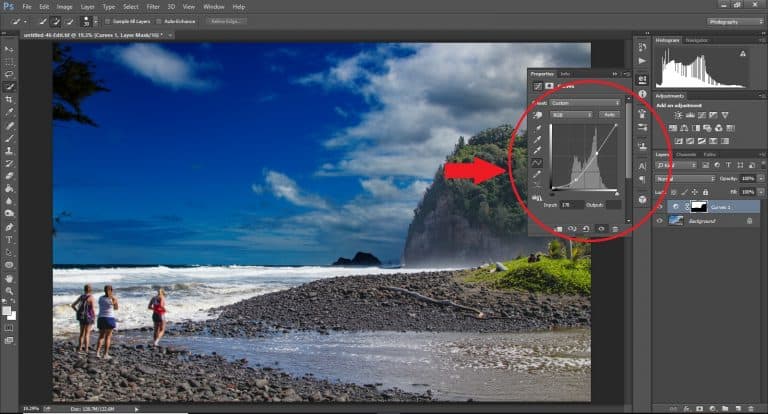
Want To Edit Photos Like a Pro? Let’s Get to Know Layer Masks in Photoshop Photoshop is a powerful resource in the photography world. Some may say that it is essential to be running some form of photoshop alongside more widely used photo editing software such as Lightroom. While both programs complement each other respectively…

Photoshop Tips: How to Make a Logo Transparent in Photoshop
|

Photoshop Tips: How to Make a Logo Transparent in Photoshop

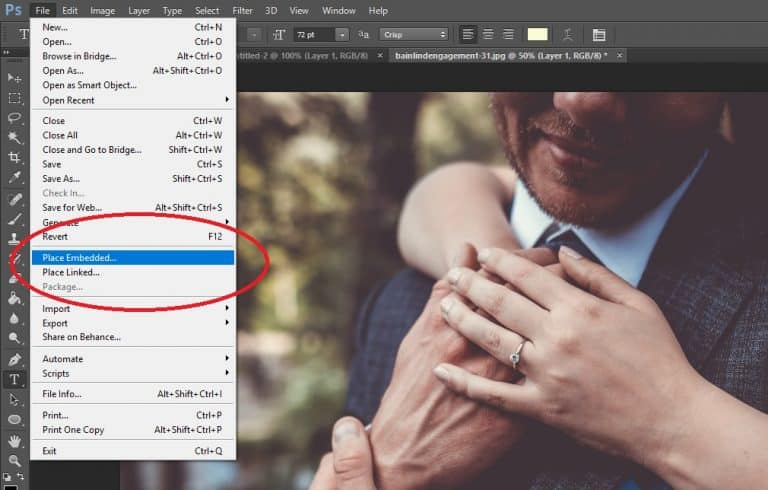
So You’re Ready to Launch and Want to Create a Logo. Just How Do You Do It? if you’re reading this article, then no doubt you have already been thinking about getting that crisp, cool tag with transparent background that you can attach to your photos. This is otherwise known as watermarking your photos. There…

How to Use Lightroom: Quick Tips and Tricks for Beginners
|

How to Use Lightroom: Quick Tips and Tricks for Beginners

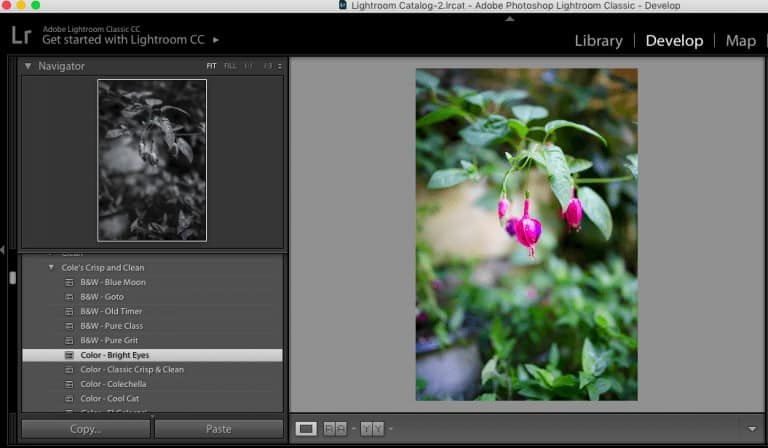
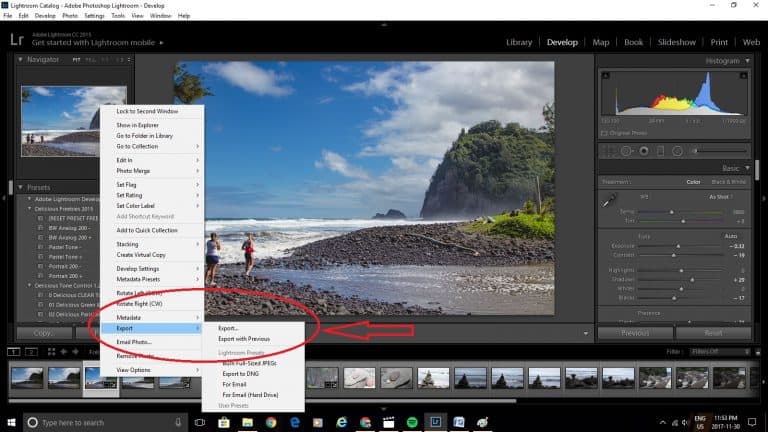
Adobe Photoshop Lightroom is the go-to photo editing software for photographers because it has everything you need to edit your images professionally and quickly. It comes loaded with useful presets and can accommodate extra presets that can be purchased and downloaded for your specific needs. Although it can seem a little overwhelming at first, Lightroom…

Starting Out: What Is The Best Beginner Camera For You?
|

Starting Out: What Is The Best Beginner Camera For You?

The Dilemma: Choosing The Best Beginner Camera in a World Full of Options. Which One is For You? This is a question that gets asked regularly, so let’s get clear right from the start friends. The best beginner camera for you, is not going to be the same as the best beginner camera for somebody…

Learn How to Make a Collage in Photoshop and Improve Your Marketing!
|

Learn How to Make a Collage in Photoshop and Improve Your Marketing!

Have you ever struggled with putting together advertisements and client resources because you didn’t know how to make a collage in Photoshop? Let’s change that! Photoshop can be intimidating if you are not familiar with it, but it is also a powerful tool that will allow you to customize marketing materials. Even if you are…

What Is DSLR?
|

What Is DSLR?

What do you think of when you hear the term DSLR? You possibly think of the family camera that collects dust in the computer room. Or one of those large cameras that you see professional photographers using on the football field. Do you really know how a DSLR camera (digital single-lens reflex, also know as…

Quick Tips for Using the Graduated Filter in Lightroom
|

Quick Tips for Using the Graduated Filter in Lightroom

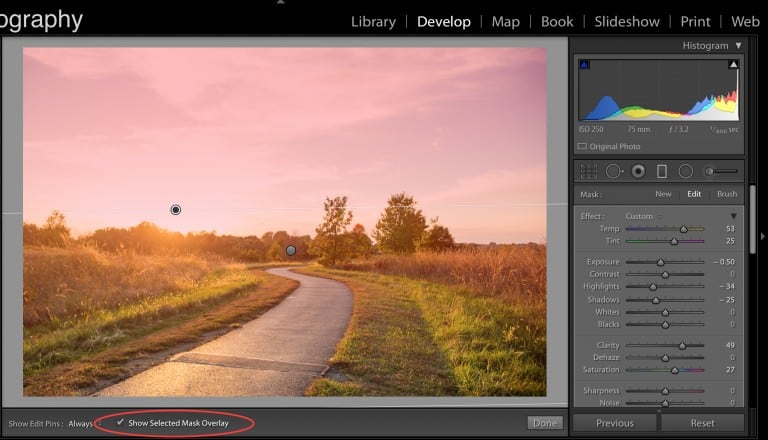
[textad] Inside this tutorial you’re going to learn how to use the Lightroom graduated filter tool. If you are looking for an editing shortcut – you’ll love our Cole’s Classroom adjustment brush presets with include multiple graduated filter presets you won’t find included in Lightroom!  Click here right now to check em out, they are on…

5 Easy Steps for Organizing Your Lightroom Catalogue
|

5 Easy Steps for Organizing Your Lightroom Catalogue

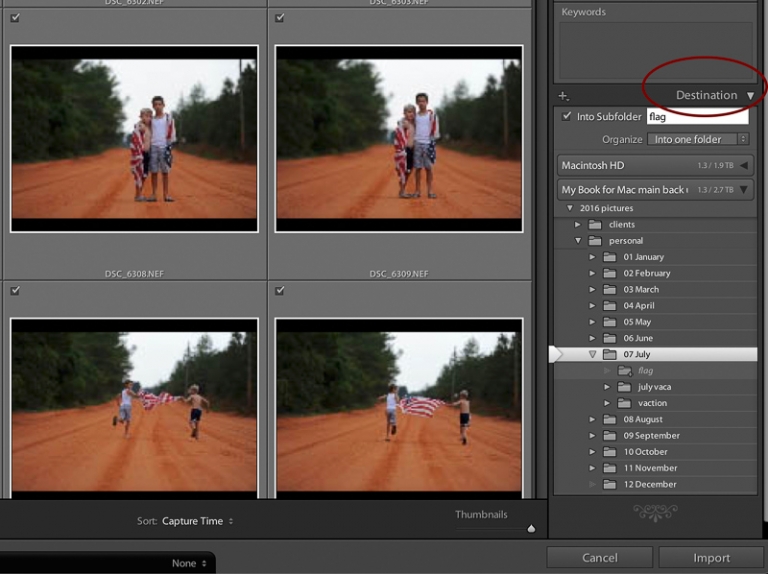
Nothing feels better than being organized! When you have a place for everything, and put things where they belong it frees up your mind to focus on other things. At least, this is my philosophy when it comes to organizing my photos. You won’t believe how much organizing your Lightroom catalogue will improve your workflow!…

Easy to Follow Steps for How to Mirror in Photoshop
|

Easy to Follow Steps for How to Mirror in Photoshop

Mirroring a background is a neat little Photoshop trick that can come in really handy. I have used this method to remove unwanted parts of an image, or to just add some interest to a photo. With a powerful tool like Photoshop, there is always more than one way to do things, but this is…

Choosing Images for a Client Gallery in Lightroom
|

Choosing Images for a Client Gallery in Lightroom

Culling a session can be one of the toughest things to master.  It’s always so hard after a session; you get home, unload the card, and marvel at all the gems you have. And, if you are like many photographers you have taken WAY too many photos. There are 200 shots that you need to…