The Detailed Guide on How to Smooth Skin in Photoshop
|

The Detailed Guide on How to Smooth Skin in Photoshop

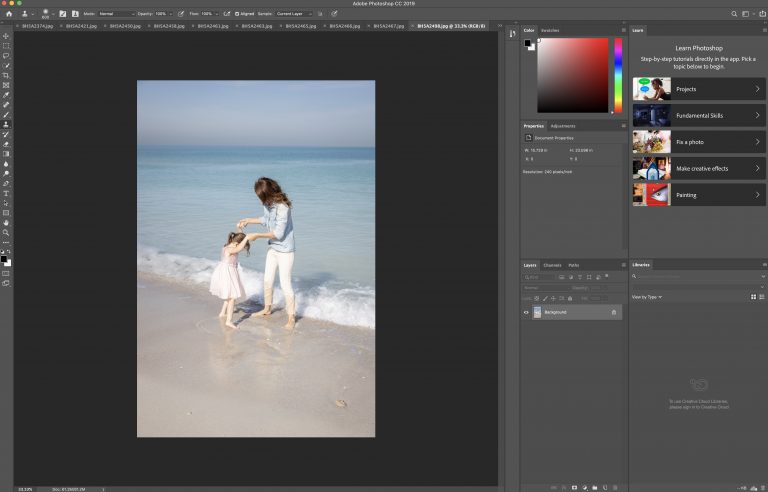
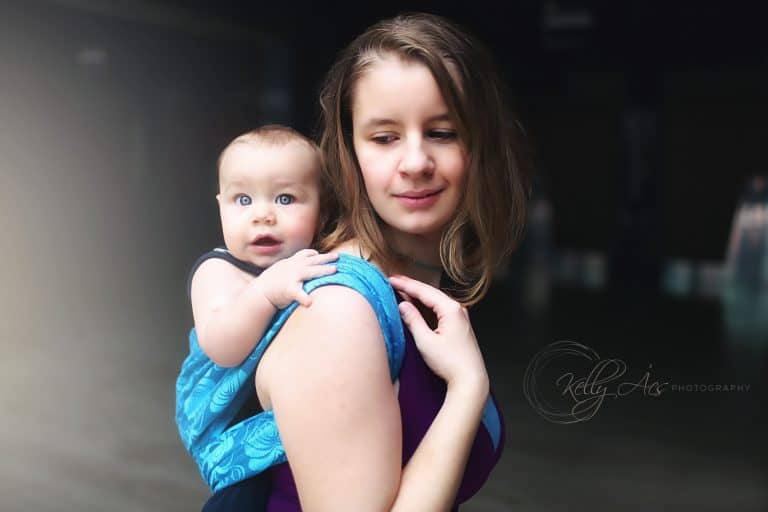
Often, the silky skin that we see in adverts and magazines isn’t completely natural. Many photos that you see have been touched up to make the skin appear more even, softer, and younger. Digital editing can help to get rid of unwanted features such as wrinkles and blemishes while also improving color. While skin softening…
How to Easily Use the Clone Stamp Tool in Adobe Photoshop
|

How to Easily Use the Clone Stamp Tool in Adobe Photoshop

The Photoshop clone stamp tool simply allows you to duplicate a picture or even just a part of an image. Using the clone stamp tool, designers and creators of all levels of proficiency can copy and hide objects using pixels with ease. Using a combination of components and steps featuring a destination, a source, and…

Understanding How to Use Photoshop Content Aware Fill
|

Understanding How to Use Photoshop Content Aware Fill

Photoshop is a great image editing tool that allows you to create perfect images. One awesome Photoshop fill tool you have at your disposal with Photoshop CC 2020 is the Content Aware Fill Photoshop command. This nifty tool makes it simple to remove unwanted items from your images.  You can even replace the old item…

How to Batch Resize in Photoshop Using Image Processor
|

How to Batch Resize in Photoshop Using Image Processor

Using the batch resize Photoshop feature, you can set resize photos images to a uniform size for printing and layout. Here’s how to do it. (These instructions are only for Photoshop. Other image processors may have the same capabilities to resize multiple images, but will require different instructions.) 1. Ensure Your Files are the Right…

7 Easy Steps for Using the Displacement Map in Photoshop
|

7 Easy Steps for Using the Displacement Map in Photoshop

Adding text over an image is a convenient Photoshop feature. It’s an original way to make sure you’re creating a banner for your website or adding a message to your latest ad campaign in Photoshop. Displacement maps and filters are useful tools for incorporating texts, logos, and other elements into your images. Here is what…

How to Get Perfect Color with White Balance in Photoshop
|

How to Get Perfect Color with White Balance in Photoshop

Creating the perfect level of white balance and colors with your photos is easy to accomplish with Photoshop by using some of the vital tools available and following our recommended steps. It’s not always possible to get ideal lighting for every photo, and becoming proficient at colors correction can massively improve your photography and help…

How to Get a Photography Logo (and Why You Absolutely Need One)
|

How to Get a Photography Logo (and Why You Absolutely Need One)

Brand recognition is important for any size business, including a photography business. Self-employed photographers can create powerful brand identity with a photography logo. A simple photography logo can be designed by a photographer and used on social media posts, as a watermark on promotional photos, and on anything used for promoting the photographer or their…

8 Styled Photoshoot Ideas to Expand Your Portfolio and Develop Partnerships
|

8 Styled Photoshoot Ideas to Expand Your Portfolio and Develop Partnerships

Styled photoshoots can be a lot of fun, and you can get creative with your photography ideas. Unlike street photography or even landscape photography, photo sessions are planned, designed, and organized photography projects that can supply you with interesting material for your portfolio. They also help you find exciting collaborations both inside and outside of…

How to Use Lightroom: Quick Tips and Tricks for Beginners
|

How to Use Lightroom: Quick Tips and Tricks for Beginners

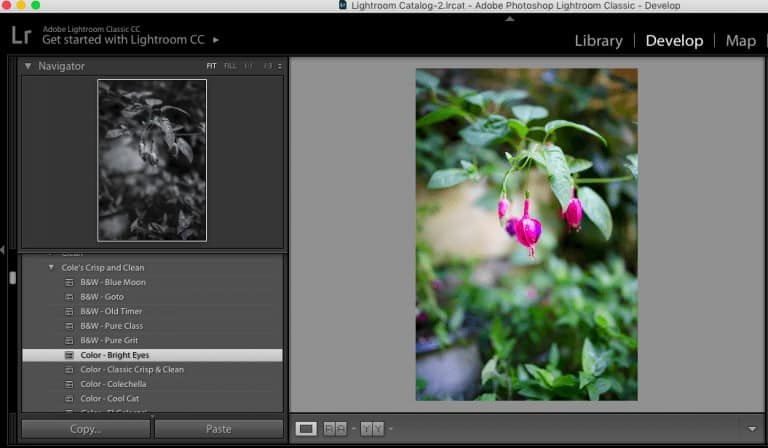
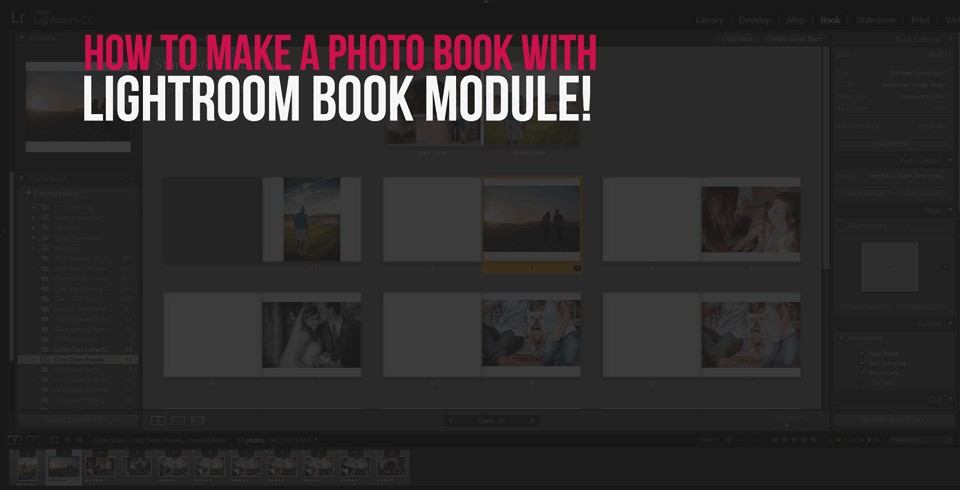
Adobe Photoshop Lightroom is the go-to photo editing software for photographers because it has everything you need to edit your images professionally and quickly. It comes loaded with useful presets and can accommodate extra presets that can be purchased and downloaded for your specific needs. Although it can seem a little overwhelming at first, Lightroom…

How to Install Photoshop Actions & Tips for Using Actions
|

How to Install Photoshop Actions & Tips for Using Actions

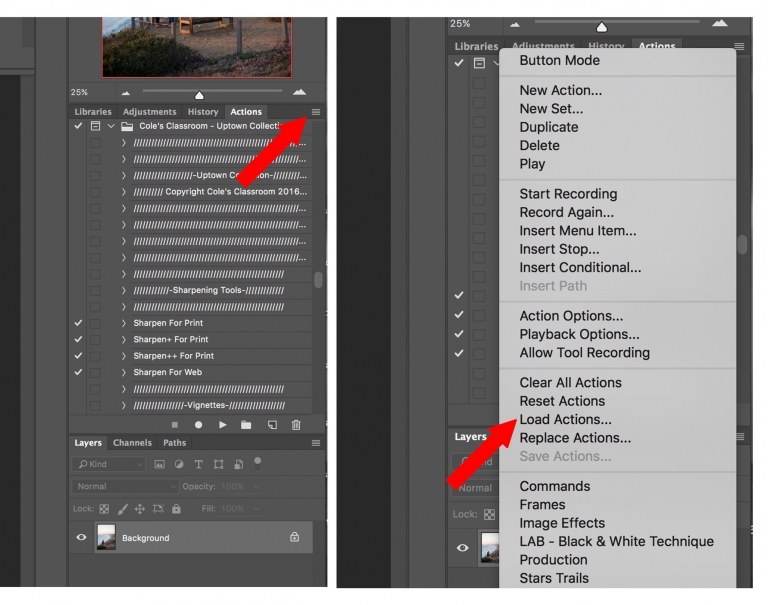
Congrats on purchasing our brand new Photoshop Actions – The Uptown Collection!  If you’ve never used Photoshop much you might be a little intimated but as you will see in this quick tutorial, you have nothing to worry about, installing & using these Photoshop actions are actually quite easy! How to Install Your Photoshop Actions…

How to Add Snow Flakes to a Photo in Photoshop!
|

How to Add Snow Flakes to a Photo in Photoshop!

Cole here for one minute before I turn it over… this tutorial was created by one of our “classmates” our wildly popular Facebook photography community, if you aren’t already a member, you can join us for free right here. Christian was nice enough to share his final photo in the group and the response to…

How to Install Lightroom Presets in a Quick and Easy Way!
|

How to Install Lightroom Presets in a Quick and Easy Way!

Lightroom is an easy-to-use photo editing application. It incorporates a number of the same features you would normally find in Adobe Photoshop, but with an eye to keeping things simpler and geared towards photo editing. How to Install Lightroom Presets (March 2020 Update) Open Lightroom, Lightroom CC, Lightroom 4, 5, 6. Once you open Lightroom,…

Image Delivery Solutions – What Are Your Options?
|

Image Delivery Solutions – What Are Your Options?

The days of sending over a box of film negatives or proofs to your clients are long gone. After a job well done, it’s now time to actually deliver your finished images to your clients. The question though becomes, what options do you have and which should solution should you utilize.  At a top level…

Younity – a Must Have Free App for All Photographers!
|

Younity – a Must Have Free App for All Photographers!

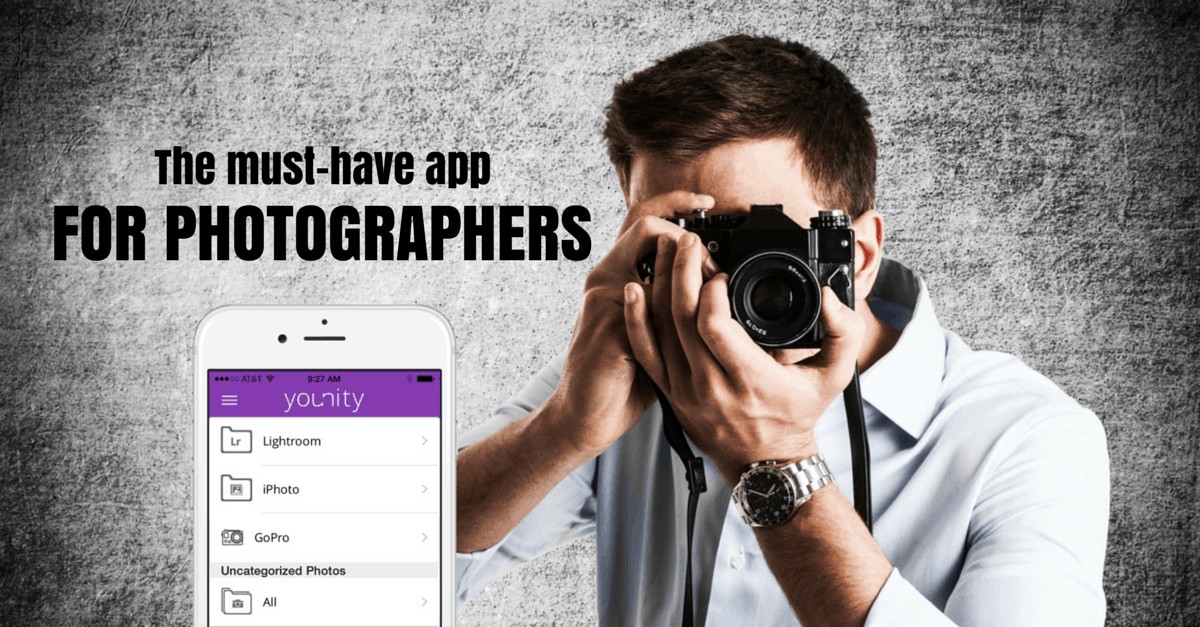
Modern digital cameras… …produce beautiful, high-resolution photos. However, with high resolution images comes more data, and therefore larger file sizes. If you use a mid-range point-and-shoot or low-end DSLR camera, your file sizes are fairly large. Have a higher-end camera? Then you know all about enormous files. Lets not even talk about shooting video! For…